

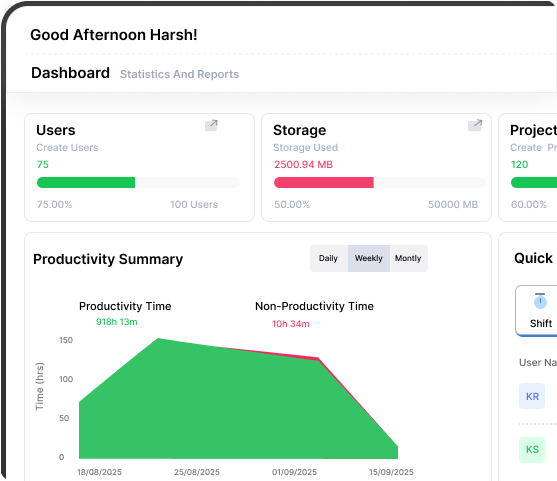
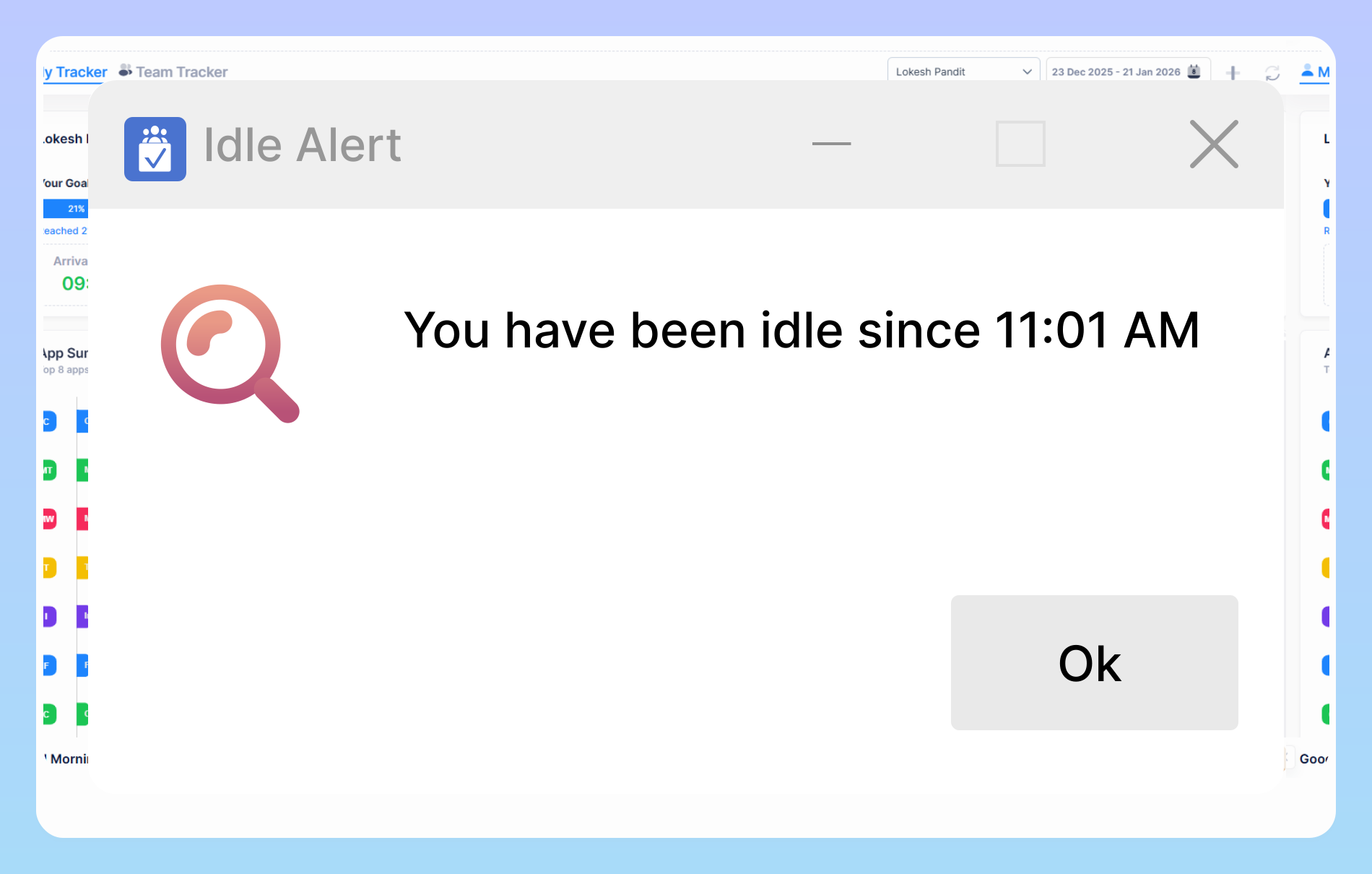
Medium businesses use Vineforce Teams to automatically capture employee work hours and activities including computer usage, idle time, and tracked sessions ensuring accurate logs without manual timesheets.
Medium Businesses
Go beyond growth and take your business global with our unified platform for mid sized companies. Effortlessly expand across borders with built in compliance, centralized workforce management, and full visibility enabling smooth, confident global scaling without the hassle of setting up new entities
Start Your Free Trial
Enjoy a 07-day free trial with no credit card required.
By creating an account, you accept our Terms and Privacy Policy.







why medium businesses use Vineforce Teams
Vineforce Teams enables managers to identify unproductive habits and leverage data-driven insights to boost efficiency and overall performance.
Accurate Time Tracking & Activity Monitoring
App & URL Tracking to Understand Workflow
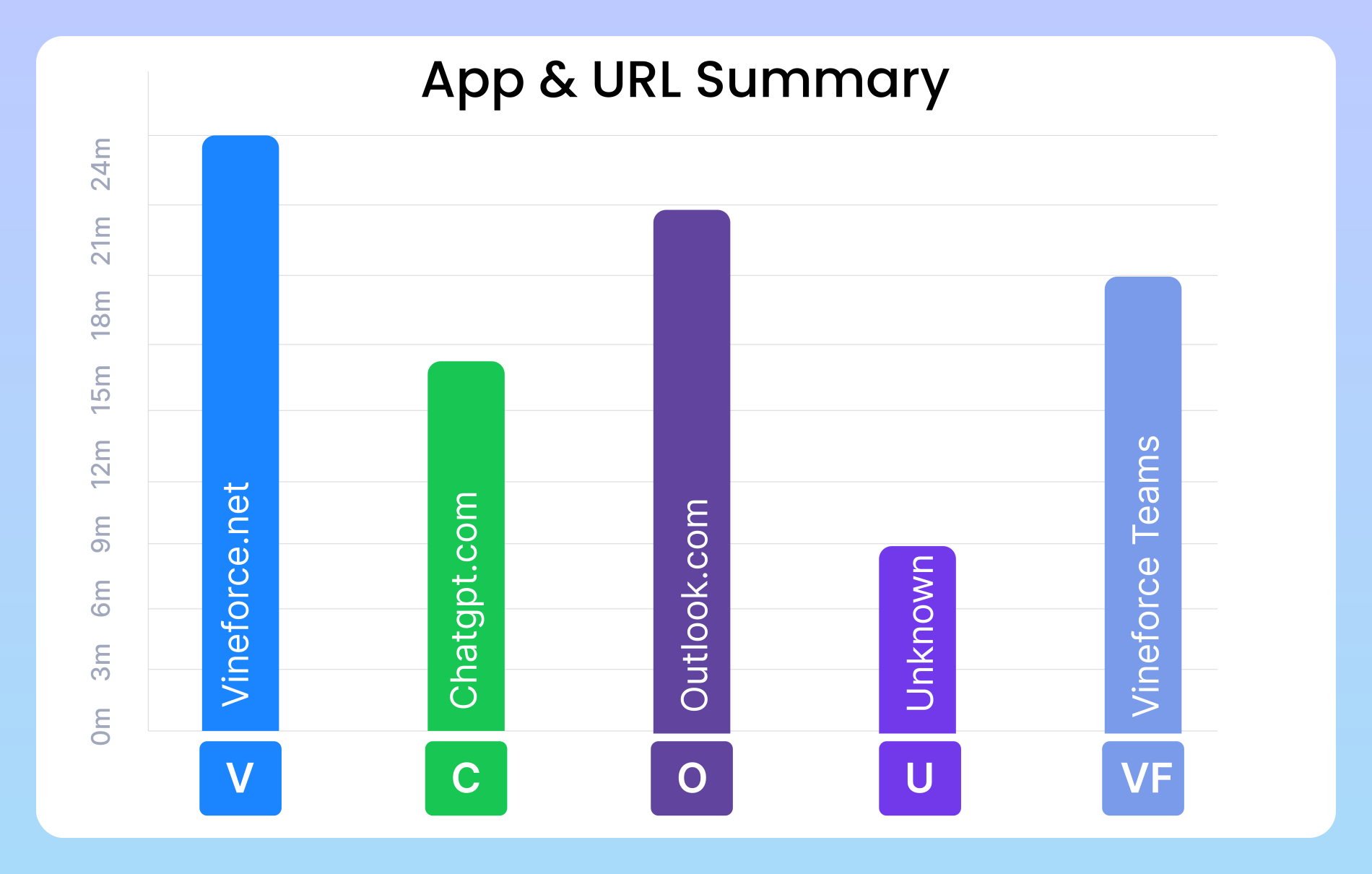
The software tracks which applications and websites employees use during work hours. This helps managers identify distractions, see productive vs unproductive tools, and optimize workflows based on real usage data.
Project-Based Tracking & Management
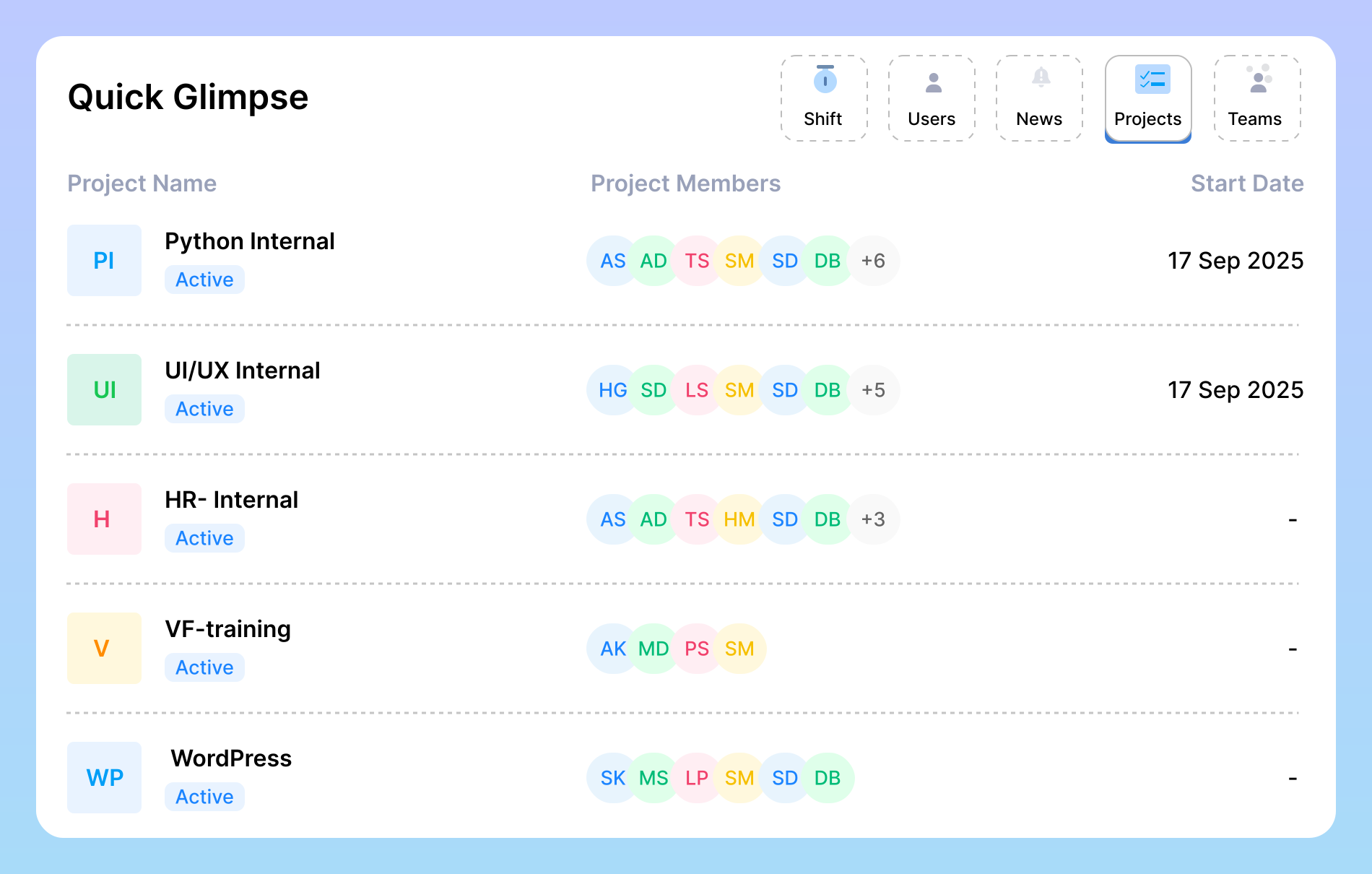
Teams can link tracked time directly to specific projects and tasks. This lets businesses monitor real-time progress, manage budgets better, and improve project profitability by making sure time spent is aligned with project goals.
Empower Your Team
Time tracking is just the start. Turn your data into real, actionable insights that drive results.

Unlock Your Team Potential.
Empower your team to work at their highest potential with Vineforce Teams. By tracking Employee productivity and understanding how time is spent, you can help your employees stay focused, organized, and efficient throughout the day. With these insights, managers can make smarter decisions.

Reduce the Costs
Unproductive habits can waste your company’s time and money. Vineforce Teams helps you spot where your team is losing time, whether on non work tasks or uneven workloads. By fixing these issues, you can save money, use resources better, and make sure every hour of work benefits your business.

Business Productivity
With Vineforce Teams handling productivity , managers can focus on growing the business instead of micromanaging. The software automatically tracks work hours , generates reports, and provides insights, giving you more time to plan.
Frequently Asked Questions
How many people can use the tracker at once?
In pro plan the tracker supports up to 50 active users, making it perfect for medium sized teams that want full visibility and control without added complexity. Monitor each team member’s activity, tasks, and progress in real time to ensure accountability and efficiency. With built in reporting and analytics, managers can track performance trends, optimize workloads, and keep projects running smoothly all from one unified platform.
We have a hybrid team, and managing shifts is chaotic. Can your tracker help with that?
Yes hybrid work makes attendance tracking tricky and often leads to confusion about who’s working, when, and from where. Shift Tracking solves this by automatically logging employee attendance, linking it to their actual work activity, and providing clear visibility across teams and time zones. It eliminates the need for manual check-ins or spreadsheets, ensures proper shift coverage, and helps managers spot attendance trends, late starts, or overtime in real time.
We’re looking to make smarter, data-driven business decisions can your tracker support that?
We handle multiple projects at once, how can I keep track of everything easily?
Project-Based Tracking organizes hours, progress, and performance for every project, giving you a clear view of where time and effort are invested. Meanwhile, Shift Tracking provides visibility into productivity across teams and time zones, ensuring smooth collaboration and balanced workloads. Together, these tools help you stay proactive instantly identifying what’s on schedule, what needs attention, and how to keep every project moving forward efficiently.
Ready to streamline your entire workflow?
Vineforce Teams makes it simple to monitor employee productivity with automated time tracking, smart idle detection, and detailed reporting. Build the perfect system to manage projects, ensure accountability, and get insights into your team’s workflow, all in one place.
