

Vineforce Teams ensures that sensitive information stays in the right hands. Using user based or role based access policies, administrators can decide who has permission to view or manage specific data. This means that only authorized users such as team leaders or HR managers can access employee activity insights. This approach not only protects confidential information but also promotes a sense of fairness and trust within your team.
Tracking for Legal Firms
Managing multiple cases, clients, and documents can quickly become overwhelming especially when manual processes slow your team down or lead to costly errors. That’s why our Legal Firm Optimization Solution is designed to help law firms and legal departments work faster, maintain accurate records, and maximize productivity with ease.
Start Your Free Trial
Enjoy a 07-day free trial with no credit card required.
By creating an account, you accept our Terms and Privacy Policy.
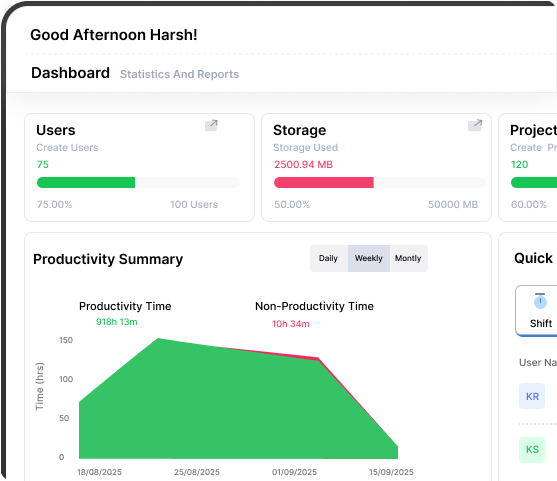







Protect Employee Privacy with Vineforce Teams
Go beyond simple tracking with powerful, actionable intelligence.
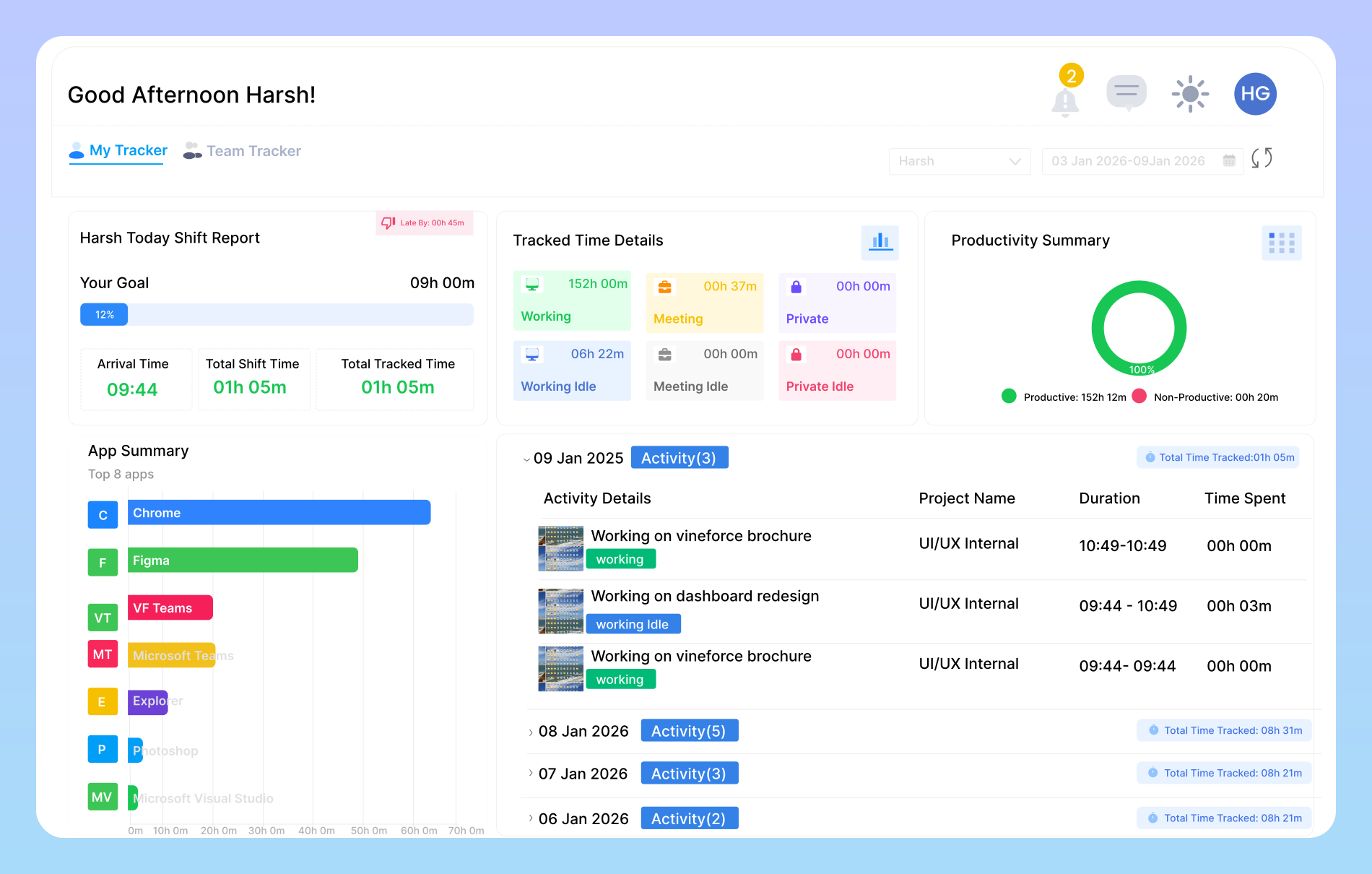
Role-Based Access
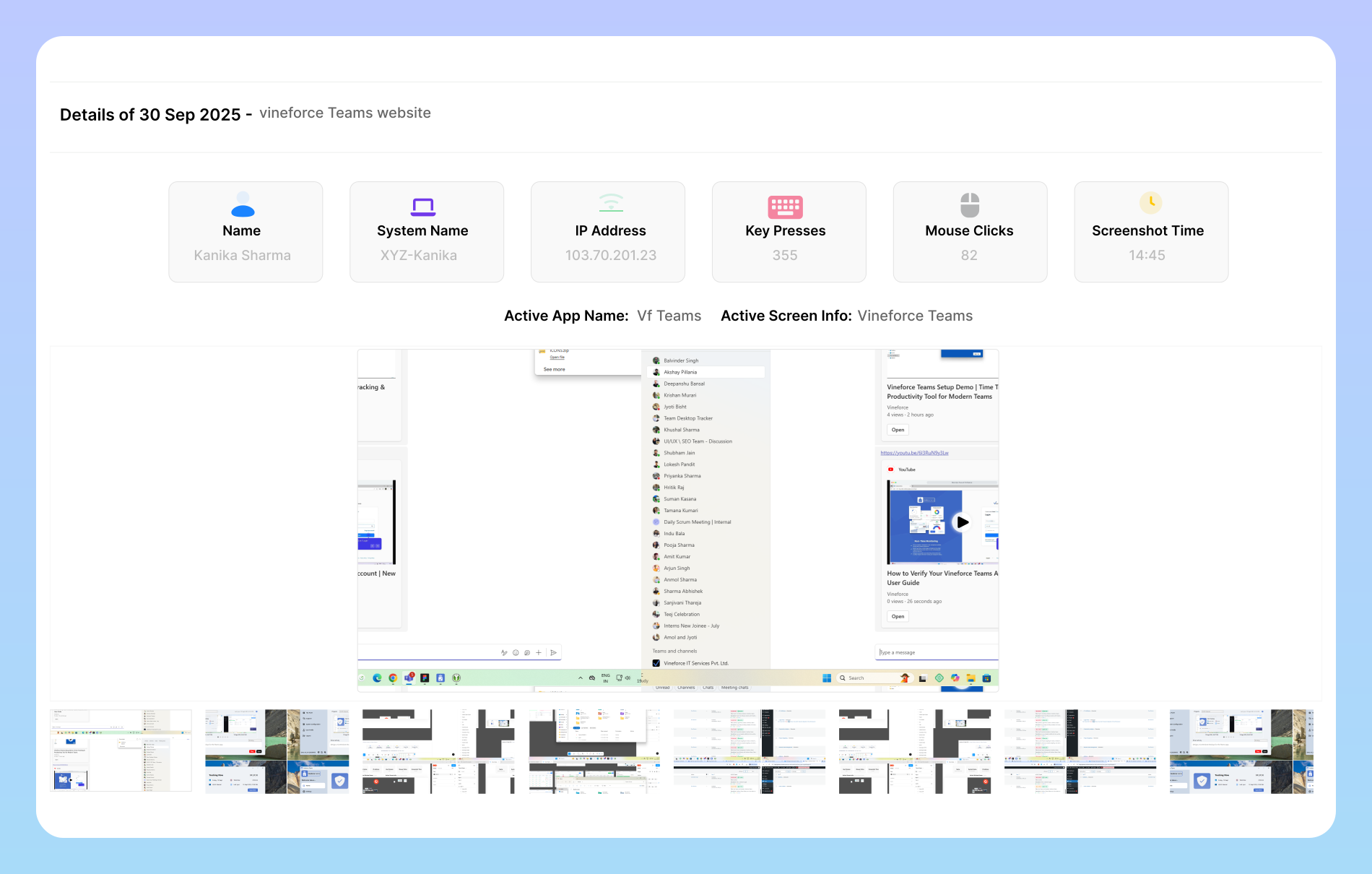
Secure Data Handling
Vineforce Teams uses end to end encryption and advanced security protocols to protect all data collected through the platform. Every activity log, screenshot, and productivity report is stored securely, ensuring compliance with privacy laws and internal company policies. Additionally, Vineforce Teams promotes full transparency by allowing employees to access their own productivity data.
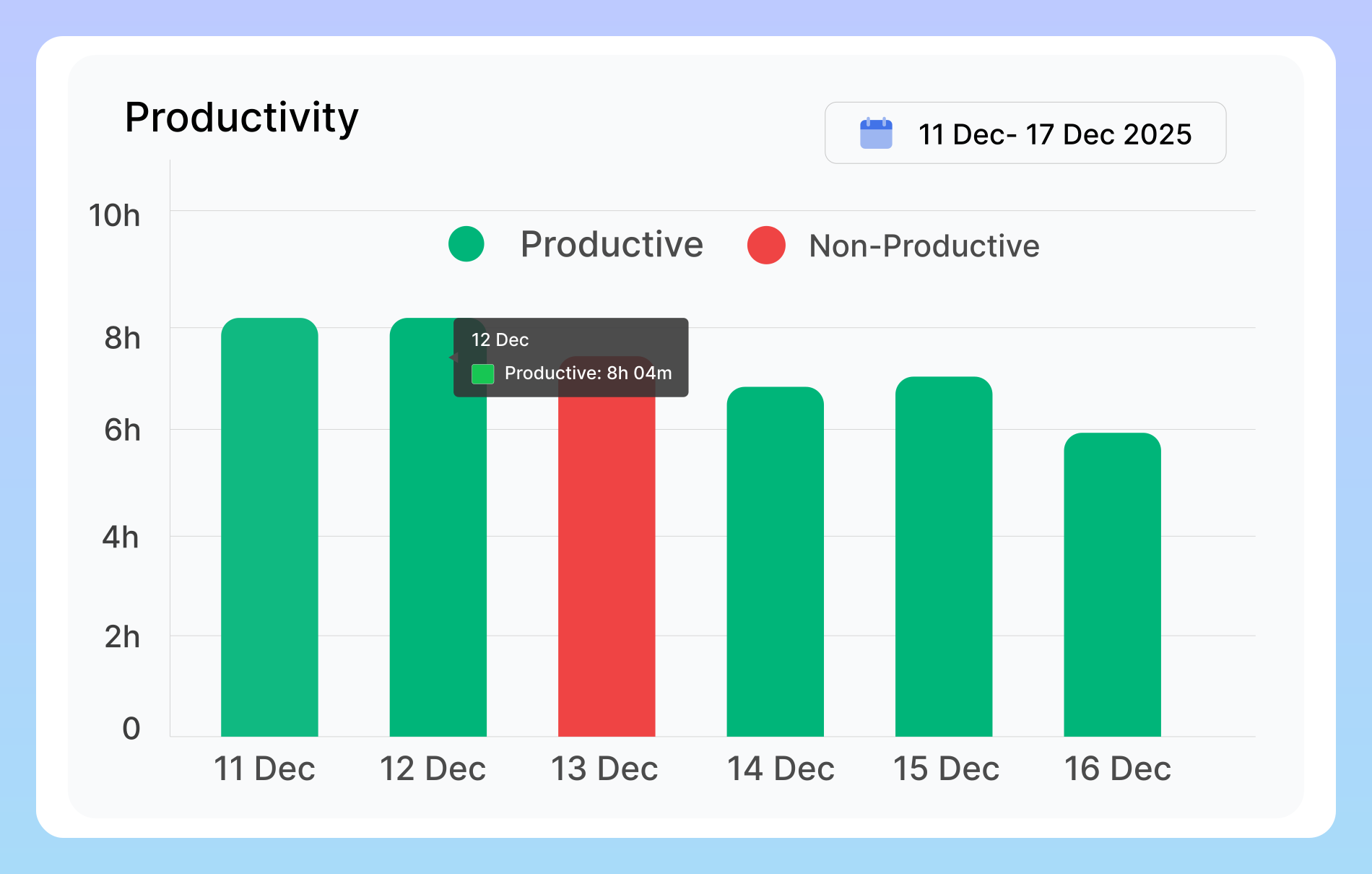
See Real-Time Productivity Insights
Understand how your legal team spends time on research, drafting, and hearings. Monitor workload distribution and efficiency with Vineforce Teams. Quickly identify delays in filings, hearings, or documentation.
Challenges Legal Firms Face and How to Solve
Vineforce Teams enables legal firms to organize work, track progress, and improve productivity effortlessly.

Smart Data Organization
Vineforce Teams keeps all activity data structured, secure, and easy to manage for faster workflows.

Private Time Mode
Vineforce Teams lets employees pause tracking anytime supporting privacy, balance, and well-being.

Transparent Access
It allows employees to view their own productivity data, promoting fairness and accountability.
Frequently Asked Questions
What challenges do legal firms face in managing client data
Legal firms deal with highly sensitive client information, including personal, financial, and case related data. Without proper security measures, this information can be vulnerable to unauthorized access, cyberattacks, or accidental leaks. Mishandling such data not only puts clients at risk but also damages the firm’s credibility and reputation. To tackle this, law firms must adopt secure storage solutions, including encrypted cloud systems, role based access, and regular backups, ensuring that only authorized personnel can access confidential information.
What is user-based access and how does it protect sensitive data?
Vineforce Teams uses role based access policies, which means that only authorized users can view specific data. This ensures that sensitive company information is restricted to the right personnel, preventing unauthorized access and maintaining confidentiality across the organization.
Can employees take breaks from tracking for personal matters?
Yes, Vineforce Teams includes a Private Time feature that lets employees pause tracking. This is ideal when stepping away from work, handling personal tasks, or taking short breaks, ensuring employees’ private activities remain confidential while maintaining trust and transparency.
How can legal firms prevent billing mistakes?
Billing errors are common when tracking billable hours manually. Overbilling can damage client trust, while underbilling can result in financial loss for the firm. Implementing automated time tracking and billing systems ensures accurate logging of work hours, calculates client invoices precisely, and reduces the risk of errors. This allows law firms to maintain transparent billing practices, strengthen client relationships, and optimize revenue.
Ready to streamline your entire workflow?
Vineforce Teams makes it simple to monitor employee productivity with automated time tracking, smart idle detection, and detailed reporting. Build the perfect system to manage projects, ensure accountability, and get insights into your team’s workflow, all in one place.
