Boost productivity. Automate tracking.
From interactive productivity dashboards to automated silent background monitoring. Built for modern, high-growth teams.
Vineforce Teams Lite
Automated background activity trackers engineered for silent corporate domain deployment.
Vineforce Teams Lite Silent Windows Installer
Automated one-click batch installer script for Windows enterprise environments.
Standout features
- Automated one-click batch installer script
- Configures tenant account automatically
- Auto-starts on system startup
- Windows 10, 11 & Server 2016+
Runs Silently in Background
Vineforce Teams Lite Silent Linux Installer
Automated shell script for Linux enterprise distributions.
Standout features
- Automated shell installer script (.sh)
- Configures tenant account automatically
- Auto-starts silently in background
- Ubuntu, Fedora, Debian & more
Runs Silently in Background
Vineforce Teams Lite Silent macOS Installer
Automated shell script for macOS enterprise environments.
Standout features
- Automated shell installer script (.sh)
- Configures tenant account automatically
- Auto-starts silently in background
- macOS 11 (Big Sur) or later
Runs Silently in Background
Vineforce Teams Desktop
Complete desktop experience with workspace collaboration, team chat, and manual/automated tracking controls.
Vineforce Teams Desktop Windows Installer
Automated one-click batch script for installing the full Vineforce Teams desktop application on Windows.
Standout features
- Automated one-click batch installer script (.bat)
- Complete desktop collaboration & chat interface
- Manual & automatic tracker controls
- Windows 10 & 11 compatible
Desktop Collaboration & Tracking
Vineforce Teams Desktop Linux Installer
Automated shell installer script for the Vineforce Teams desktop application on Linux.
Standout features
- Automated shell installer script (.sh)
- Complete desktop workspace & tray integration
- Optimized for GNOME desktop environment
- Ubuntu, Fedora, Debian & more
Desktop Collaboration & Tracking
Vineforce Teams Desktop macOS Installer
Native installer package (.dmg) for the Vineforce Teams desktop application on macOS.
Standout features
- Standard macOS disk image installer (.dmg)
- Unified desktop messaging panel & menu bar icon
- Native macOS Privacy & Security compatibility
- macOS 11 (Big Sur) or later
Desktop Collaboration & Tracking
Start tracking in 3 minutes
We've made the installation process seamless for everyone.
Download
Choose version for optimal performance on modern Windows systems.
Install
Run the installer. Our smart setup handles all system permissions automatically.
Connect
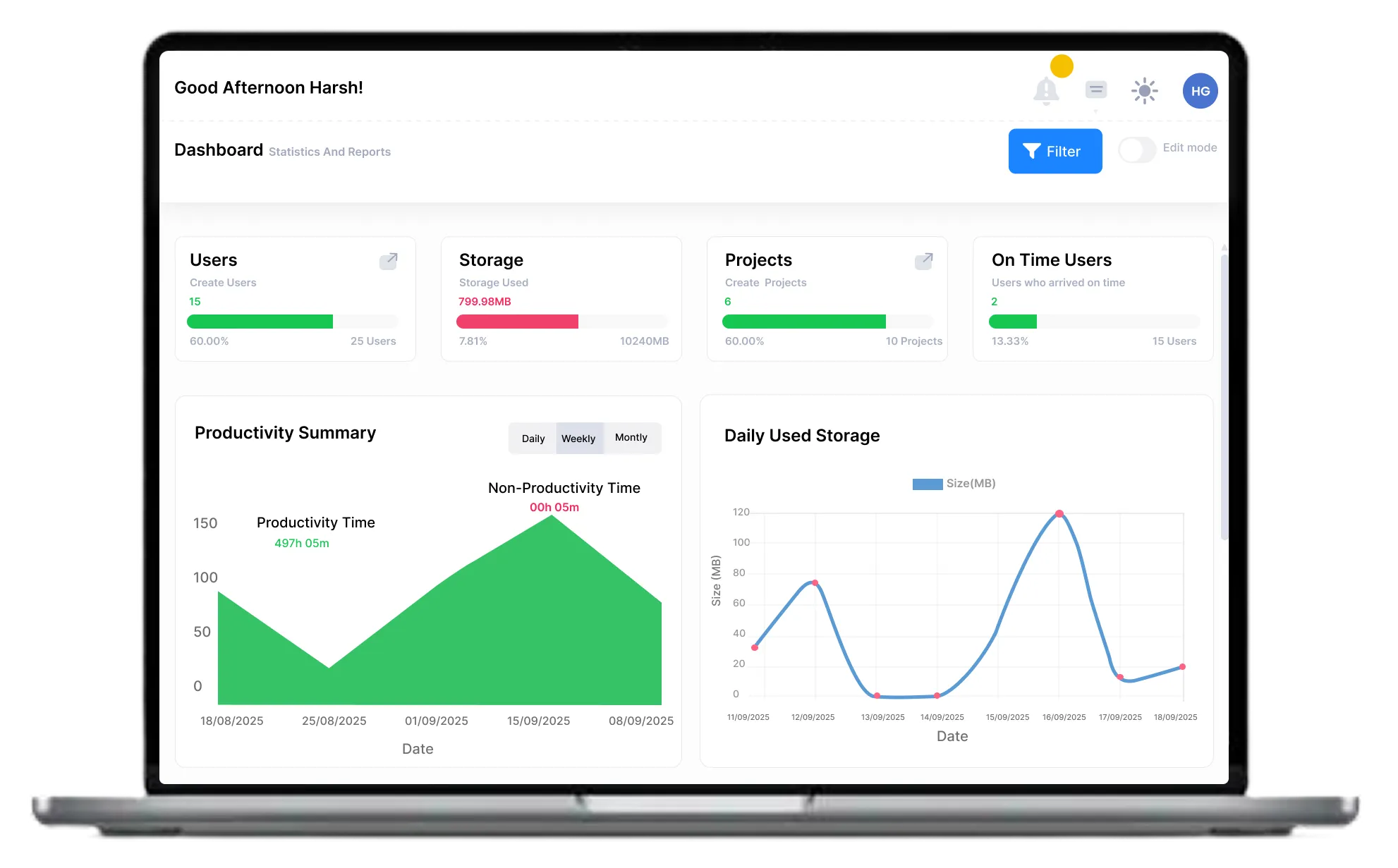
Log in with your corporate ID and watch the data sync to your cloud dashboard.
Lightweight on resources Heavy on security.
0.5% CPU Usage
Optimized to run in the background without affecting app performance.
AES-256 Encryption
All activity data and screenshots are encrypted before transmission.
Frequently asked questions!
If your computer was made after 2015, you almost certainly need 64-bit. 64-bit allows the app to use more RAM and run faster.
No. The Silent Tracker is a native Windows Service. It is designed to use less than 50MB of RAM and stays idle when the user is not active.
We recommend choosing one. Use the Desktop App if you want to see your own data, and the Silent Tracker for administrative monitoring.
Yes. In addition to screenshots, our tracker logs the titles of the applications and browser tabs employees are actively using, giving you detailed insights into where their time is being spent.