

Vineforce Teams tracks your work time automatically in the background, so there’s no need to manually start or stop timers. Every billable hour from client meetings to on-site consulting is accurately recorded, helping consultants stay focused on their work while ensuring precise billing.
Consulting Work Easier
Managing a consulting business involves multiple clients, projects, and deadlines, which can make tracking time and productivity a real challenge.It simplifies this process by automatically monitoring the time you spend on each project, task. whether you’re working online or offline.
Start Your Free Trial
Enjoy a 07-day free trial with no credit card required.
By creating an account, you accept our Terms and Privacy Policy.
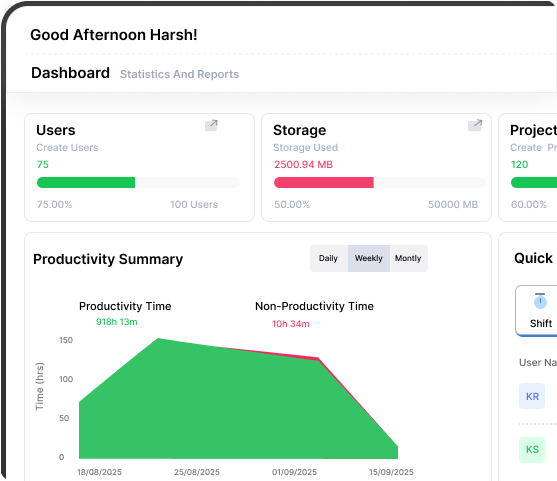







Top features for consultants
Go beyond simple tracking with powerful, actionable intelligence.
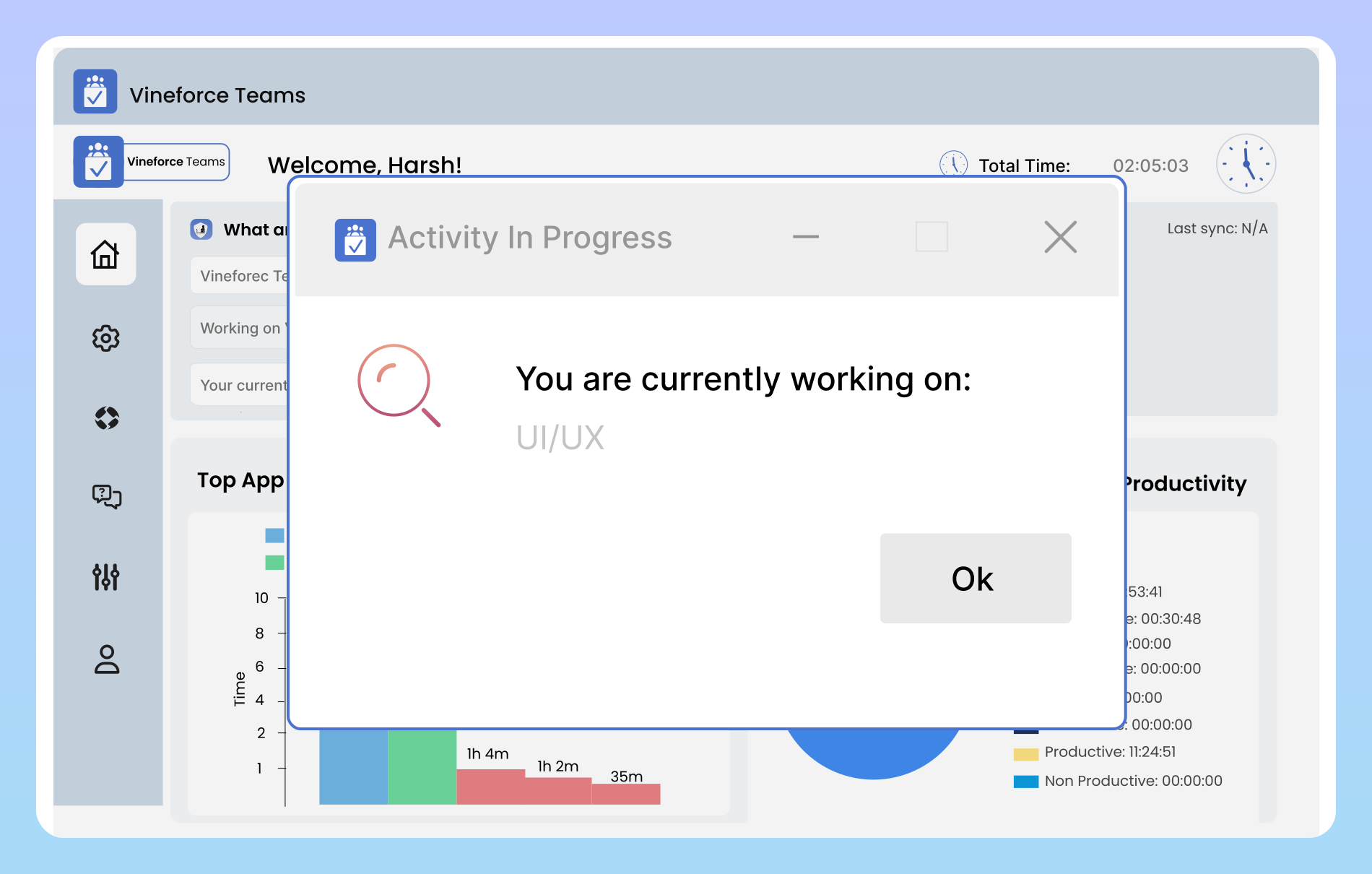
Track Consulting Time Automatically
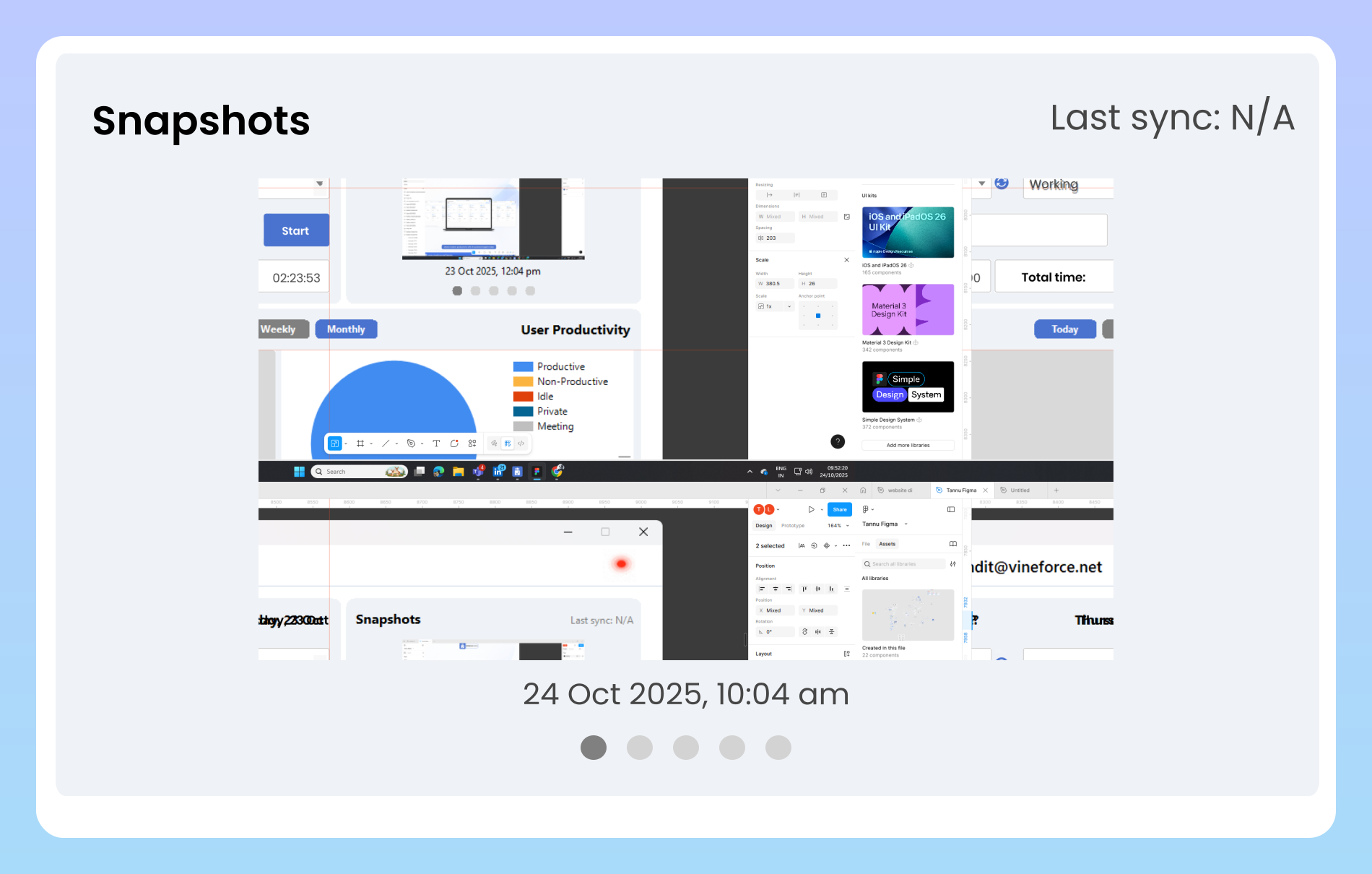
Offline Time Tracking
Vineforce Teams continues to track time and activities even when there’s no internet connection. All data is securely saved and automatically synced once you’re back online, ensuring no billable work or productive time is ever missed.
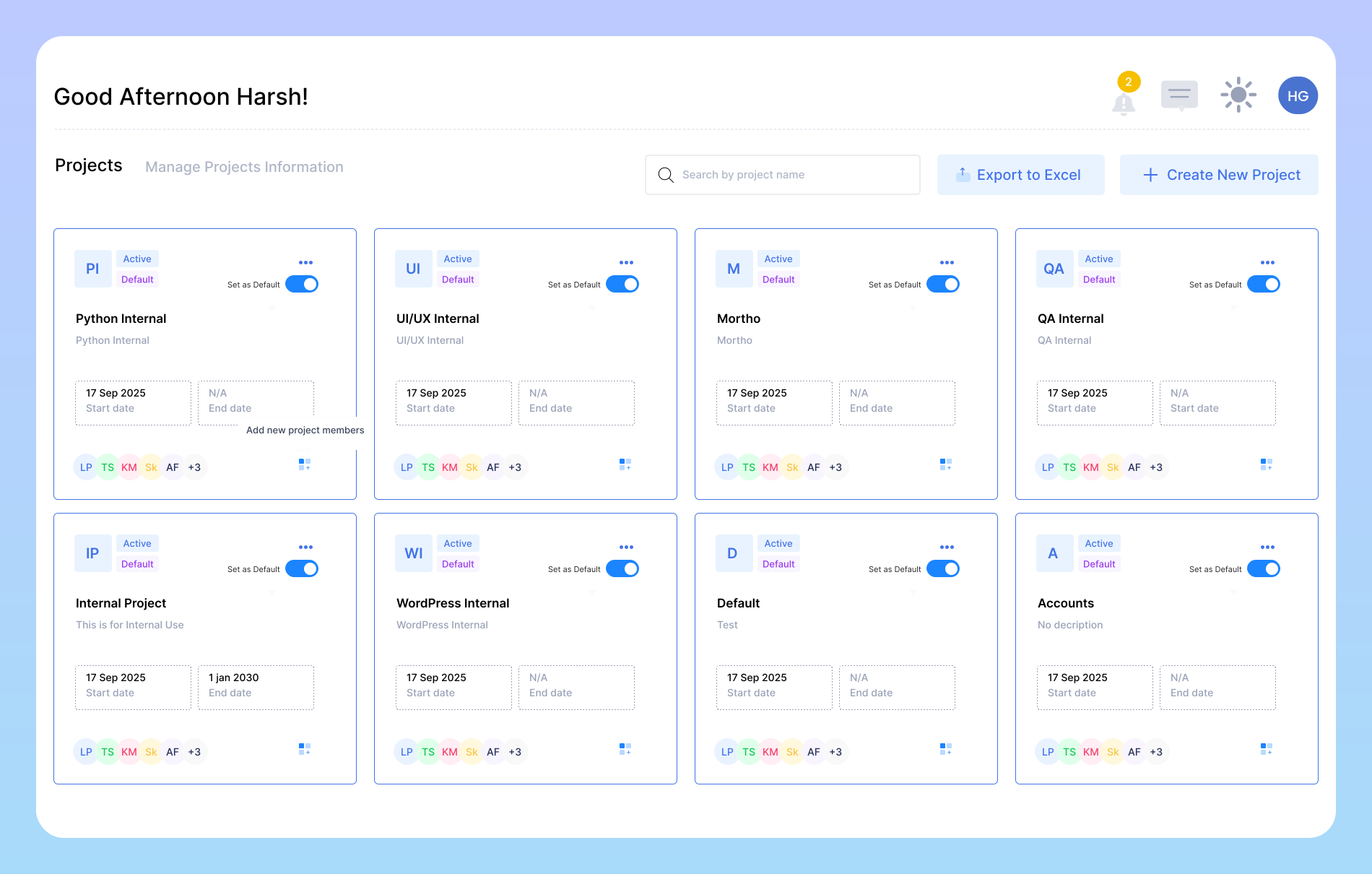
Project Tracking & Accurate Billing
Vineforce Teams helps consultants track the exact time spent on each project, making it easy to monitor progress and calculate project costs accurately. By analyzing past work data, consultants can better estimate timelines for future projects and generate detailed reports that clearly show the value delivered to clients.
Key Benefits for Consultants
Vineforce Teams helps consultants work smarter by automating time tracking, improving productivity, and ensuring accurate billing.

Become More Reliable
Build trust with your clients by sharing accurate and transparent time reports. Vineforce Teams provides precise tracking data so clients clearly understand what they are being charged for, strengthening credibility and long term relationships.

Earn More as a Consultant
With offline time tracking, Vineforce Teams ensures every billable minute is captured even during on site consulting, meetings, or travel. This helps you invoice accurately and maximize your earnings without missing any valuable work time.

Focus on What Matters Most
Vineforce Teams automates time tracking, reporting, and productivity insights, reducing the effort spent on business management. This allows consultants to spend less time on admin tasks and more time delivering value to clients.
Frequently Asked Questions
How does Vineforce Teams track my work?
Vineforce Teams automatically records the time you spend on tasks, projects, and meetings in the background, so you don’t have to manually log your hours. It tracks active applications, websites, and project specific work to give a complete picture of your productivity. The software even works offline, ensuring that all work is captured accurately, and syncs automatically when you reconnect to the internet.
How does it support remote or client site work?
Consultants often work away from their computers at client locations, making time tracking challenging. Vineforce Teams’ offline tracking feature ensures that every hour is recorded, even without an internet connection. Once back online, all tracked data is synced automatically, so nothing is lost. This makes it easier to bill clients accurately and maintain transparency.
Can managers or clients see my work progress?
Yes. Vineforce Teams provides automatic screenshots, detailed daily and weekly reports, and productivity insights. This transparency allows managers to monitor performance, track project progress, and verify work without interrupting your workflow. Clients can also get an accurate view of the work being delivered, which helps build trust.
How do Shift Summary Reports help Consultants?
These provide Consultants with a clear picture of team productivity and time usage. By analyzing these reports, managers can identify high performing employees, assist those in need of guidance, and make data driven decisions to improve efficiency and project outcomes.
Ready to streamline your entire workflow?
Vineforce Teams makes it simple to monitor employee productivity with automated time tracking, smart idle detection, and detailed reporting. Build the perfect system to manage projects, ensure accountability, and get insights into your team’s workflow, all in one place.
