

Vineforce Teams provides automated agency time tracking. The app works silently in the background and requires no manual input. Vineforce Teams project Based tracking feature provides an easy way to manage tasks and increase self accountability among your employees. Our application automatically takes screenshots to help monitor work activity without manual tracking. It tracks productive and non productive hours, giving a clear picture of how time is spent.
Boost Agency Workflow
Agencies stay organized, track progress, and improve productivity by giving you clear view into workflows and team performance all in one place. so stop guessing & start tracking with vinforce teams.
Start Your Free Trial
Enjoy a 07-day free trial with no credit card required.
By creating an account, you accept our Terms and Privacy Policy.
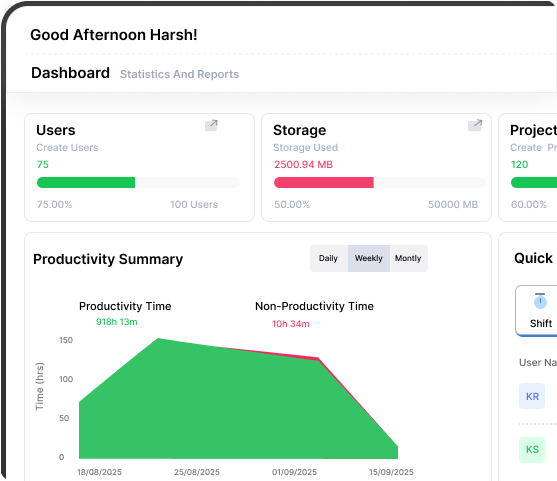







Tracking the Time for Agencies
Our application automatically captures screenshots and tracks productive and non productive hours for your team. This helps you understand how time is being spent.
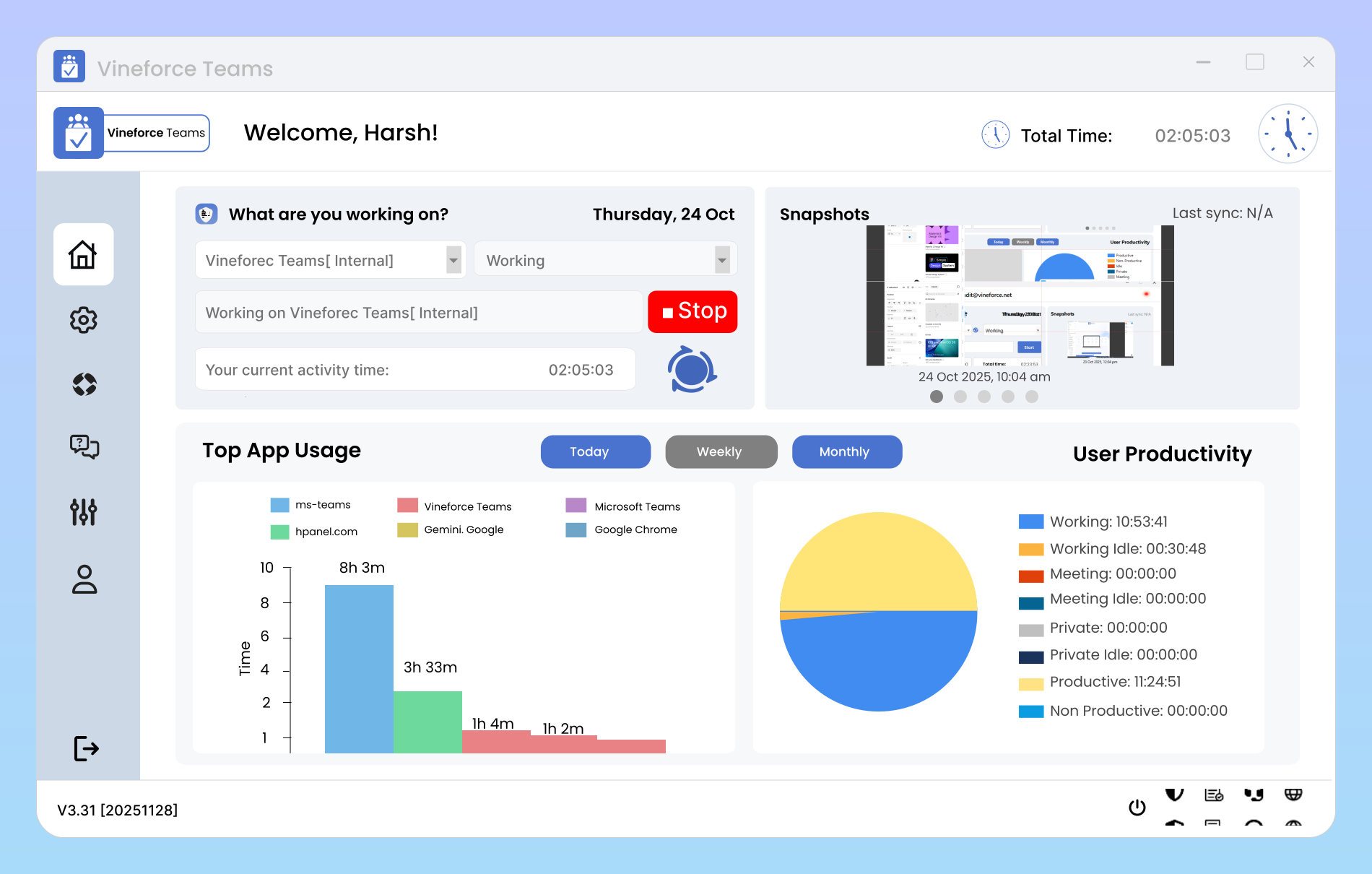
Simplify Agency Time Tracking
Benefits of Tracking Agency Time with Vineforce Teams
Vineforce Teams provides automated agency time tracking. The app works silently in the background and requires no manual input.
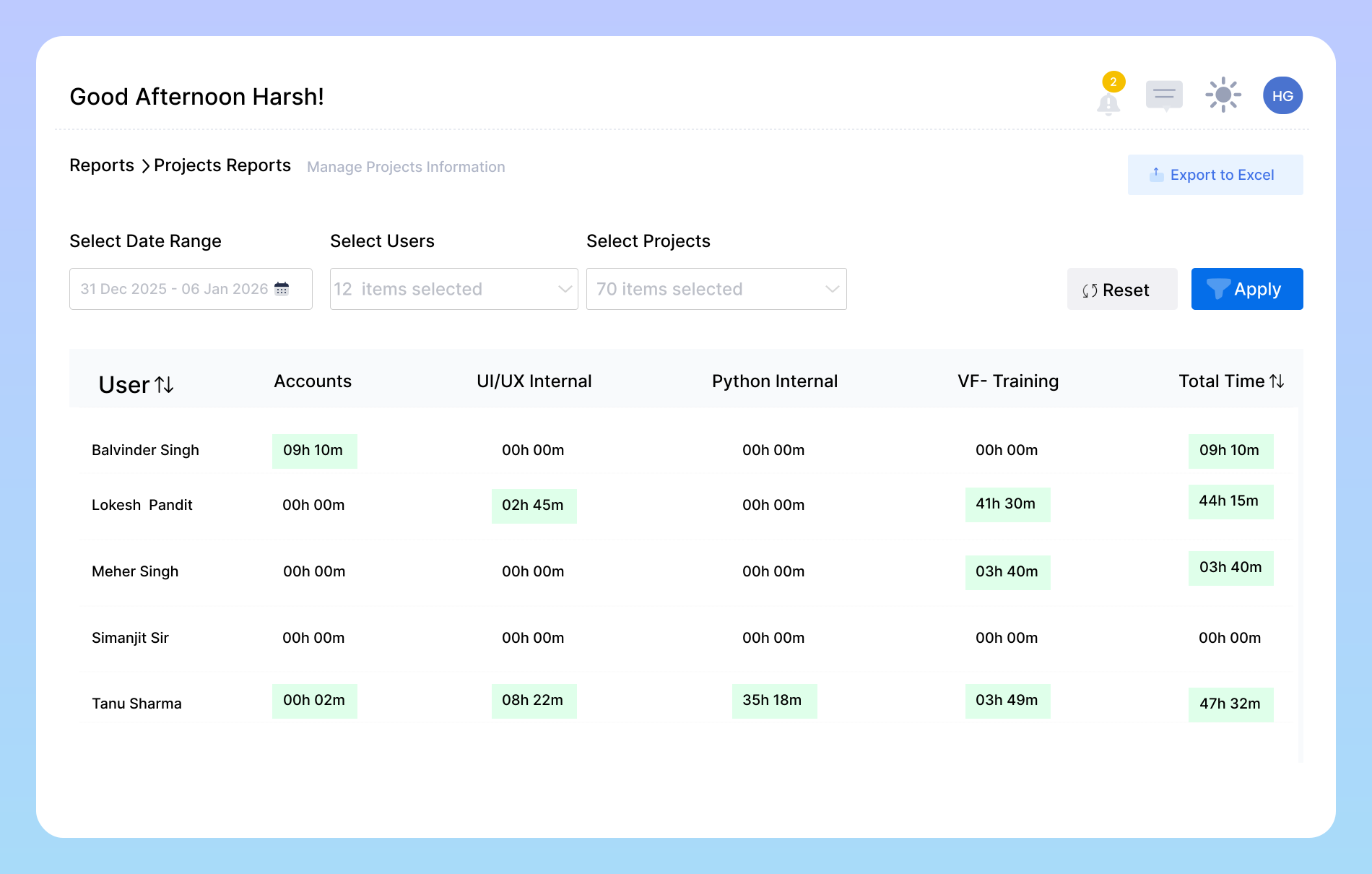
Efficient Project Tracking
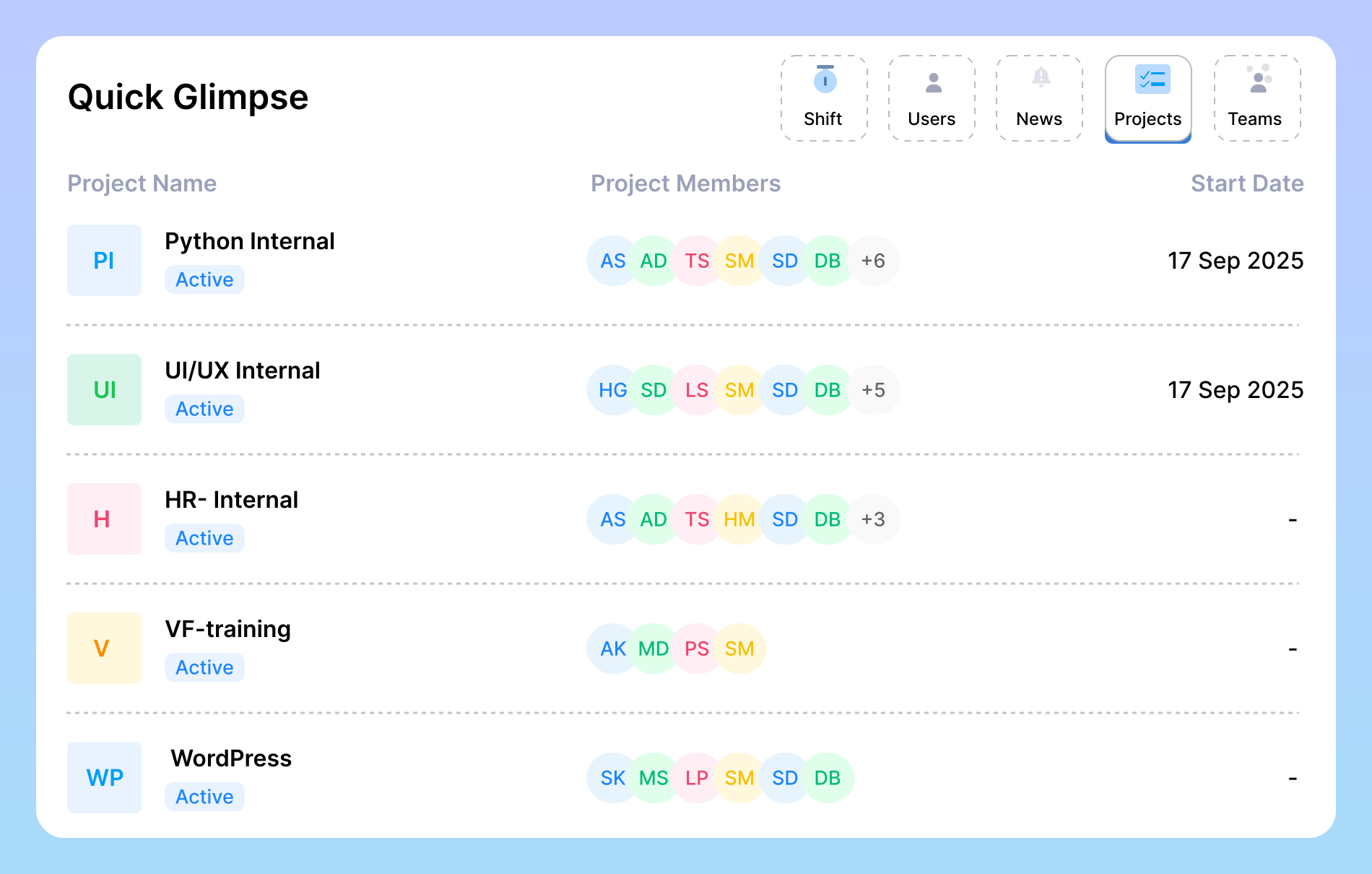
Monitor how much time your team spends on each project, stay updated on task progress, and receive accurate project cost calculations. Vineforce Teams makes it easy to manage budgets, optimize resources, and ensure projects stay profitable.
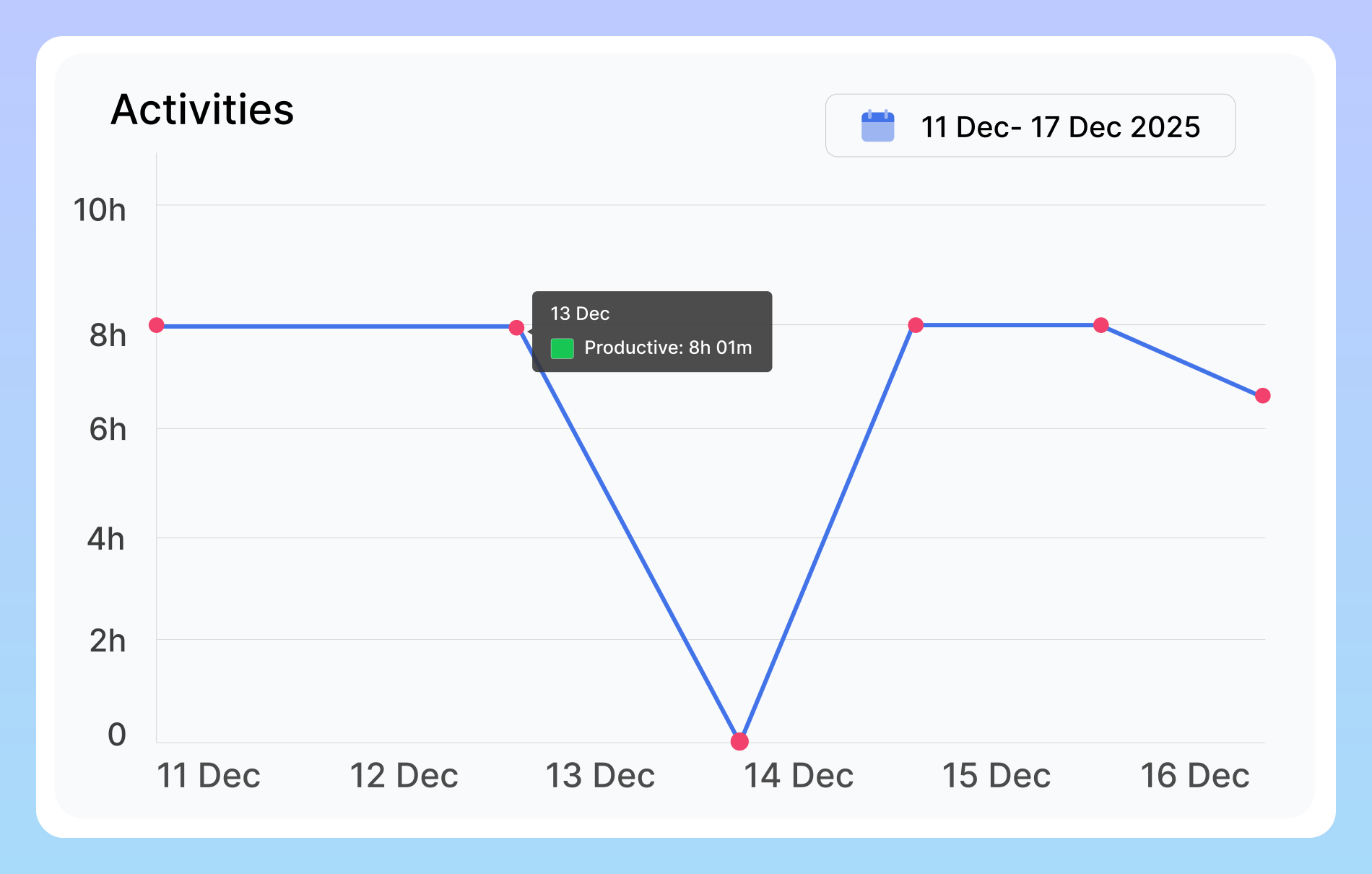
Maximize Team Productivity
By automatically tracking work hours and providing actionable insights, Vineforce Teams can increase your team’s productivity and efficiency by up to 30%. Better performance not only improves project outcomes but also enhances employee satisfaction and engagement.
Transparent Reporting for Clients
Generate customizable reports with all the data you need, from project overviews to mid term summaries. Transparent reporting helps your agency build trust with clients, showcase performance, and demonstrate accountability clearly and professionally.
Explore What You Can Do with Vineforce Teams
Go beyond simple tracking with powerful, actionable intelligence.

Automatic Activity Tracking
Vineforce Teams runs in the background and records all work activities automatically. Track hours spent on client projects, internal tasks, and non productive activities without manual logging.

Shift Summary Reports
Shift Summary Reports provide a comprehensive view of each work shift by offering a detailed breakdown of total hours worked, highlighting productive and non-productive time.

Productive & Non-Productive Time
Tasks are automatically categorized as productive or non-productive. Agencies can see which activities contribute to billable hours and which need improvement.
Frequently Asked Questions
How does Vineforce Teams track my agency’s productivity?
Vineforce Teams automatically tracks all employees’ work activities in real time, providing a complete view of your team’s performance. It takes periodic screenshots to ensure transparency, records productive and non productive hours, and monitors which applications or websites your team members are using.
Is the software suitable for small agencies as well?
Yes, absolutely! Vineforce Teams is designed to support agencies of all sizes from small teams to large organizations. Small agencies can take advantage of automated time tracking, activity monitoring, and shift reports without complicated setup. This helps you efficiently manage projects, maintain transparency, and increase productivity, even with a small team.
How do Shift Summary Reports help agencies?
Yes, absolutely. Vineforce Teams promotes a culture of accountability by automatically tracking work activities, task progress, and app usage. Employees become more aware of their time usage, while managers receive real time insights into team performance. With detailed shift reports and productivity information, it’s easy to identify top performers, support struggling team members, and ensure everyone stays focused on their goals.
Where is our data stored and is it secure?
These provide agencies with a clear picture of team productivity and time usage. By analyzing these reports, managers can identify high-performing employees, assist those in need of guidance, and make data driven decisions to improve efficiency and project outcomes.
Ready to streamline your entire workflow?
Vineforce Teams makes it simple to monitor employee productivity with automated time tracking, smart idle detection, and detailed reporting. Build the perfect system to manage projects, ensure accountability, and get insights into your team’s workflow, all in one place.
