Vineforce Teams

Schedule your 15-minute demo now

    We’ll tailor your demo to your immediate needs and answer all your questions. Get ready to see how it works!

    Windows 10/11

    Enterprise Secure

    Boost productivity. Automate tracking.

    From interactive productivity dashboards to automated silent background monitoring. Built for modern, high-growth teams.

    Interactive App

    Vineforce Desktop

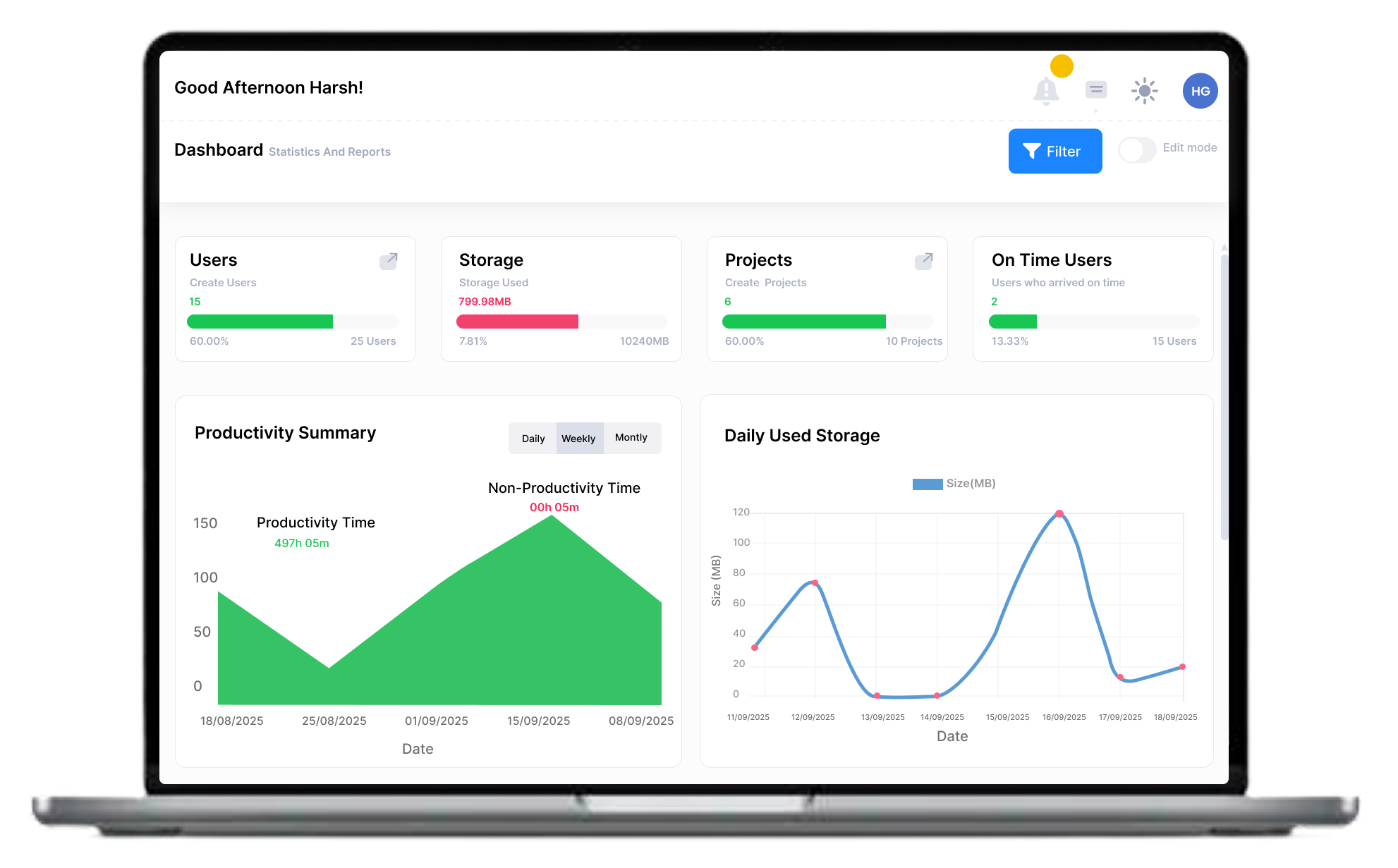
    Best for managers and self-tracking employees. Includes a beautiful visual dashboard, task management, and productivity insights.


    Download 64-bit Visual Interface Included
    Silent Mode

    Silent Tracking

    Best for large-scale enterprise monitoring. Runs entirely in the background without disturbing the user's screen or workflow.


    Download 64-bit Runs Silently in Background
    Interactive App

    Vineforce Desktop

    Best for managers and self-tracking employees. Includes a beautiful visual dashboard, task management, and productivity insights.


    Download 32-bit Visual Interface Included
    Silent Mode

    Silent Tracking

    Best for large-scale enterprise monitoring. Runs entirely in the background without disturbing the user's screen or workflow.


    Download 32-bit Runs Silently in Background

    Start tracking in 3 minutes

    We've made the installation process seamless for everyone.

    1

    Download

    Choose version for optimal performance on modern Windows systems.

    2

    Install

    Run the installer. Our smart setup handles all system permissions automatically.

    3

    Connect

    Log in with your corporate ID and watch the data sync to your cloud dashboard.

    Featured on Top Tech Marketplaces

    Lightweight on resources Heavy on security.

    0.5% CPU Usage

    Optimized to run in the background without affecting app performance.

    AES-256 Encryption

    All activity data and screenshots are encrypted before transmission.

    Frequently asked questions!