

Integrate Vineforce Teams with Azure DevOps to effortlessly sync your projects and team members. Any changes in Azure DevOps are instantly reflected in Vineforce Teams, keeping your team aligned and productive
Vineforce Teams + Azure DevOps
Vineforce Teams now seamlessly integrates with Azure DevOps, enabling you to import your Azure DevOps projects directly into Vineforce Teams. Effortlessly manage track time, and monitor team productivity all from a single, unified platform.
Start Your Free Trial
Enjoy a 07-day free trial with no credit card required.
By creating an account, you accept our Terms and Privacy Policy.
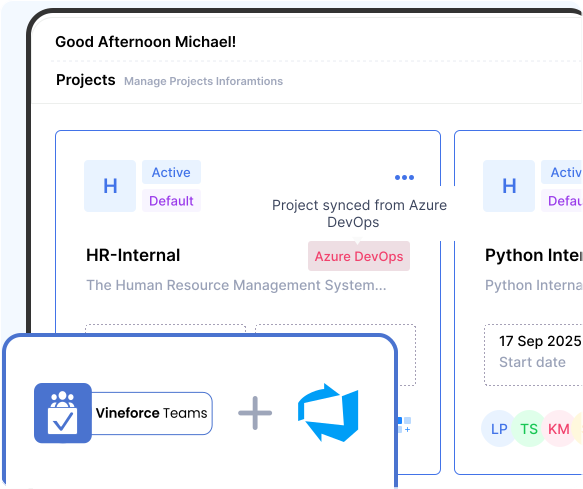







How Vineforce Teams Works with Azure DevOps
Vineforce Teams works with Azure DevOps by importing your projects, syncing updates when needed, and enabling time tracking and productivity monitoring all from a single unified dashboard.
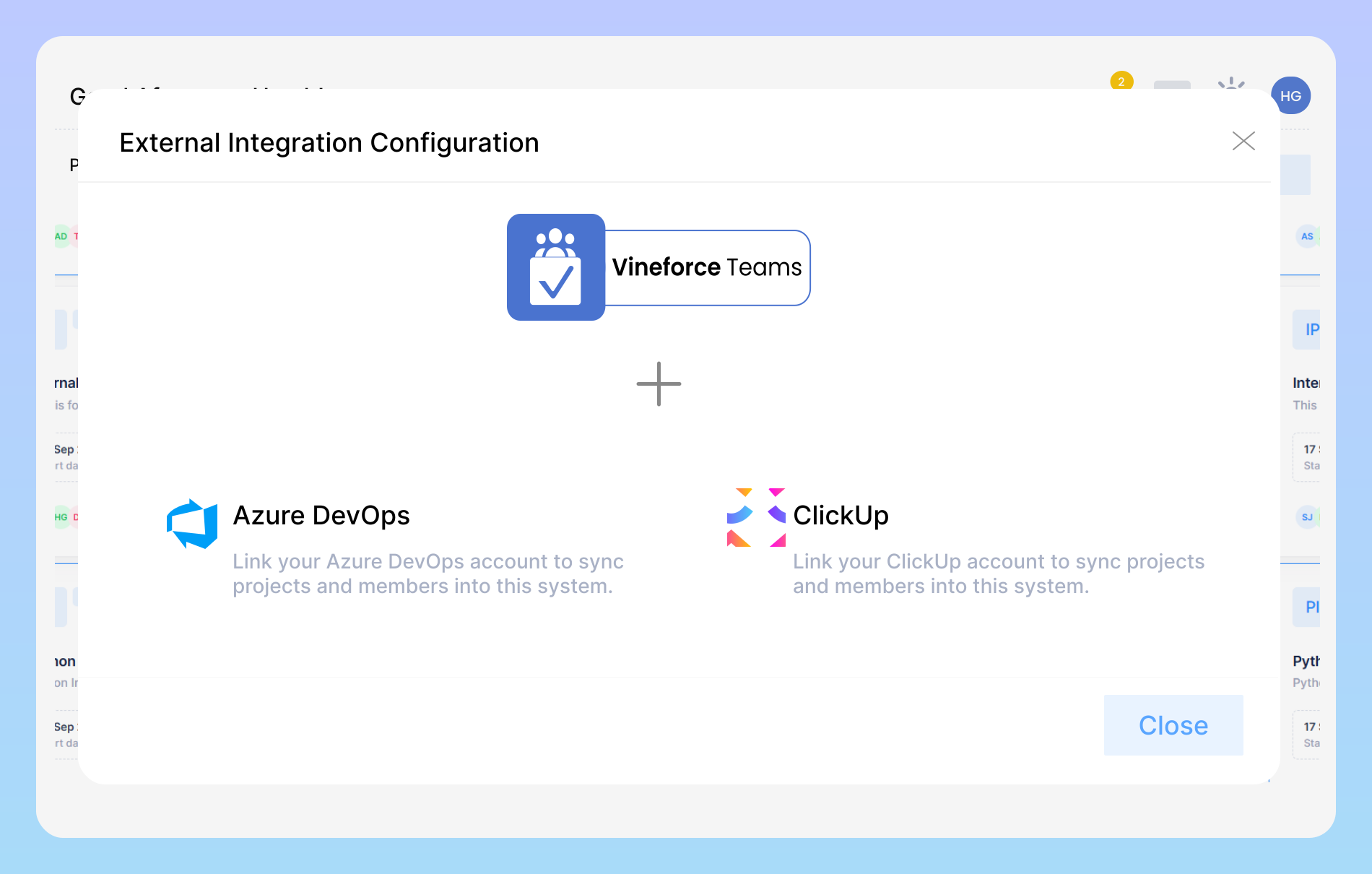
Connect Vineforce Teams with Azure DevOps
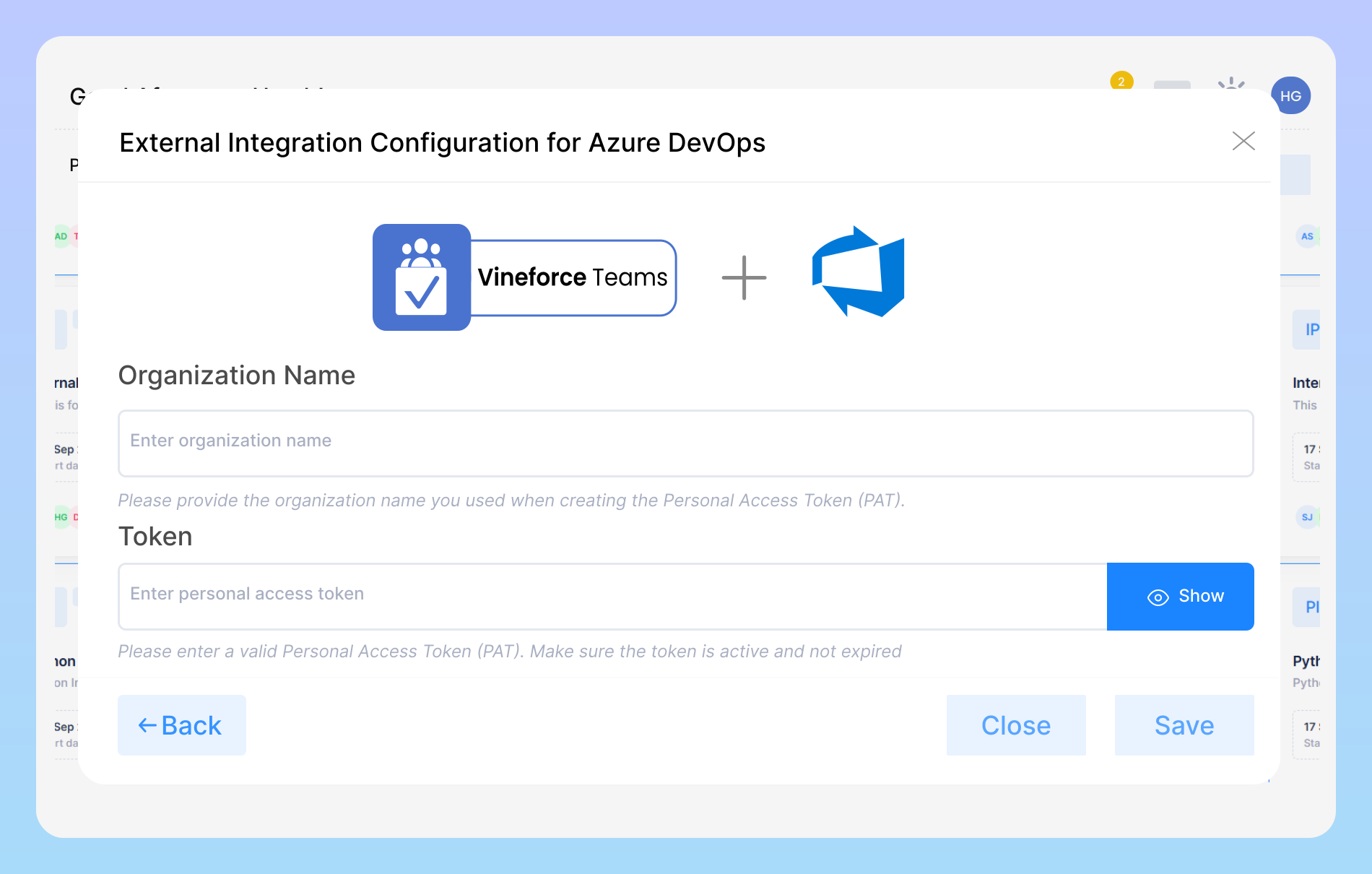
Enter Your Azure DevOps Integration Details
Enter your organization name and Personal Access Token (PAT) to securely link Vineforce Teams with Azure DevOps. Once connected, your projects and teams will sync automatically, keeping your workflow seamless.
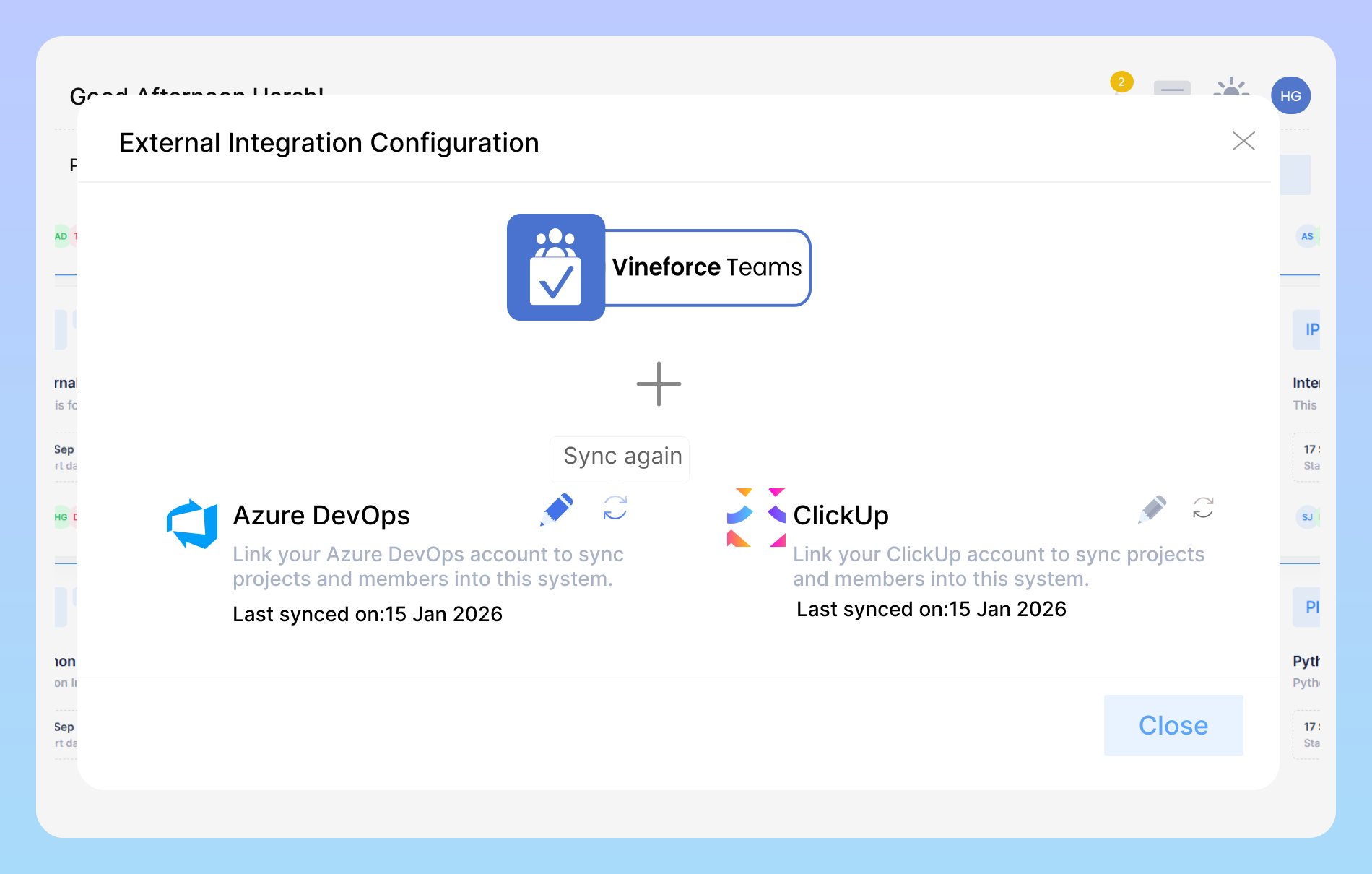
Effortless Azure DevOps Sync
Keep your projects always up-to-date. Vineforce Teams automatically syncs with your Azure DevOps account, reflecting all changes, updates, and progress in real time. Stay aligned, never miss a task, and manage your work efficiently with accurate, synchronized data across platforms.
Benefits of Vineforce Teams + Azure DevOps Integration
Streamline project management and team collaboration by seamlessly connecting Vineforce Teams with Azure DevOps

Azure DevOps Projects
Connect your Azure DevOps account and seamlessly import your projects into Vineforce Teams. Once imported, your projects will appear on your Vineforce dashboard.

Sync Project
If you make any changes in ClickUp such as project details, or structure you can sync again to update the latest information in Vineforce Teams.

Track Time & Productivity
After importing projects, Vineforce Teams allows you to track time spent on ClickUp Project, monitor team activity, and gain insights into productivity without switching platforms.
Frequently Asked Questions
What is the Vineforce Teams + Azure DevOps integration?
The integration allows you to connect your Azure DevOps account with Vineforce Teams. You can import your projects, monitor progress, and synchronize updates in real time keeping all your work visible in one platform.
How do I connect Vineforce Teams with Azure DevOps?
Simply go to the Integrations section in Vineforce Teams, select Azure DevOps, and authorize your account. Once connected, you can choose which projects or repositories to sync.
Will updates in Azure DevOps reflect in Vineforce Teams automatically?
Yes, any changes made in Azure DevOps such as , status changes, or new issues can be synced automatically with Vineforce Teams, ensuring your dashboard is always up to date.
Is this integration secure?
Yes. Vineforce Teams uses secure authentication protocols to connect with Azure DevOps. Your project data remains private and encrypted throughout the sync process.
Who can use this integration?
This integration is available to all Vineforce Teams users with the required access to Azure DevOps projects. Both individual contributors and team managers can benefit from it.
Ready to streamline your entire workflow?
Vineforce Teams makes it simple to monitor employee productivity with automated time tracking, smart idle detection, and detailed reporting. Build the perfect system to manage projects, ensure accountability, and get insights into your team’s workflow, all in one place.
