

This plan offers the flexibility to include up to 100 users under a single subscription, making it ideal for medium to large sized teams that require a unified workspace. By accommodating multiple users, it ensures that every team member from administrators to contributors can collaborate efficiently, share resources, and maintain seamless communication within the same plan.
Control for icon Enterprises
Empower your enterprise with Vineforce Teams the all in one platform to onboard, manage, and pay your workforce anywhere in the world, effortlessly and securely. Streamline global operations with a single, unified system built for visibility, compliance, and team productivity.
Start Your Free Trial
Enjoy a 07-day free trial with no credit card required.
By creating an account, you accept our Terms and Privacy Policy.
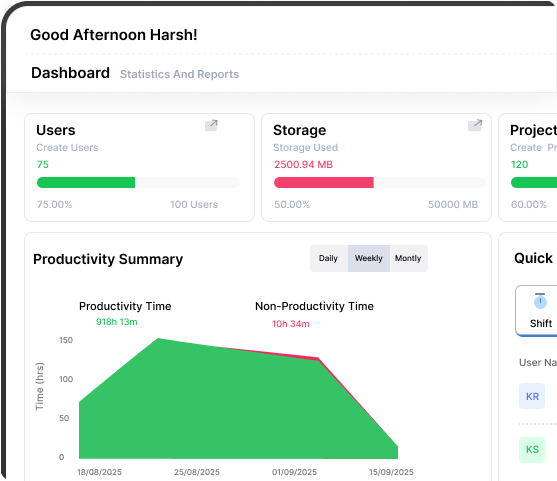







An All in One Toolkit for Enterprise Team Collaboration
From tracking to transformation gain powerful, data-backed insights.
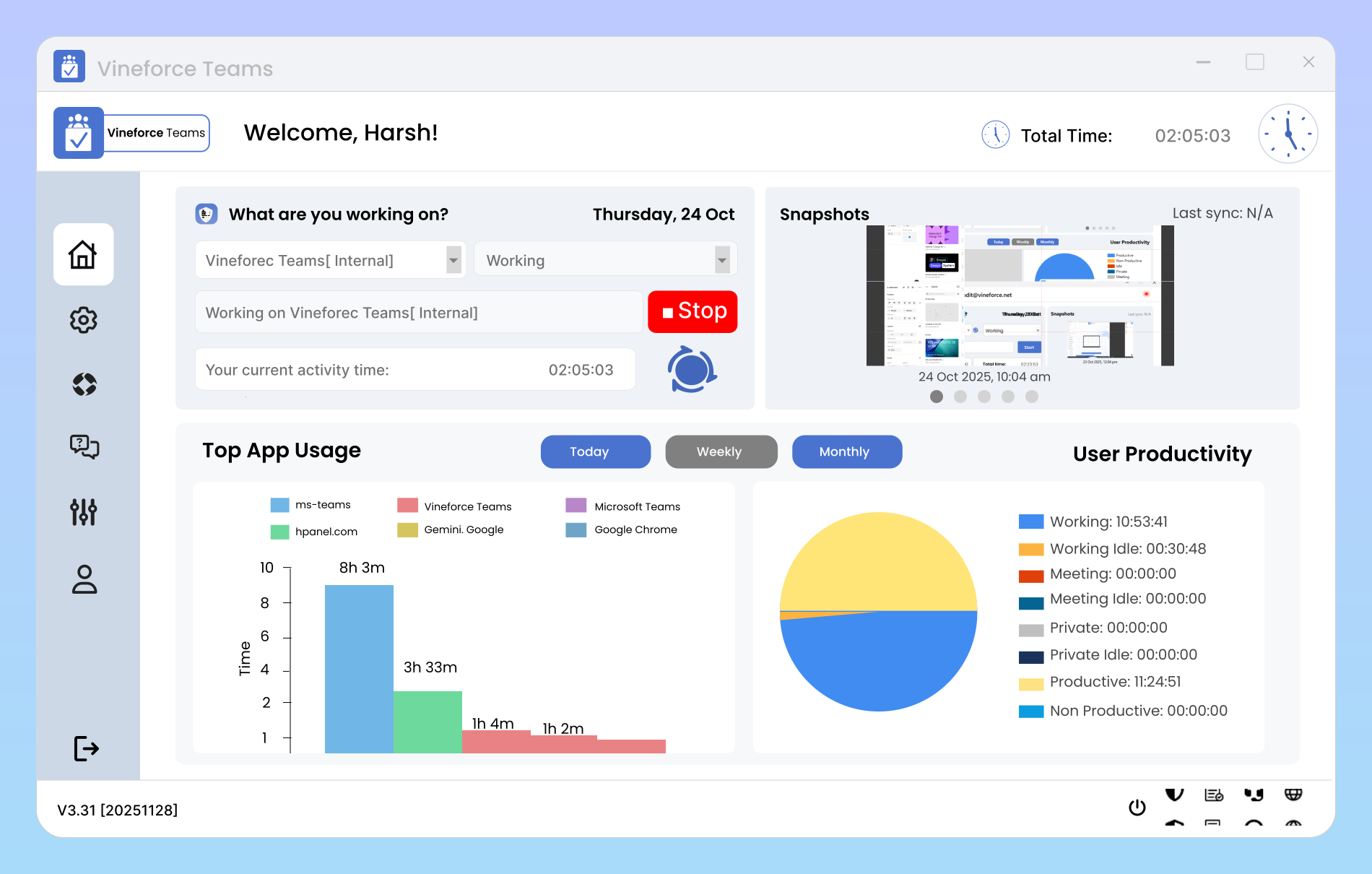
Maximum User Count
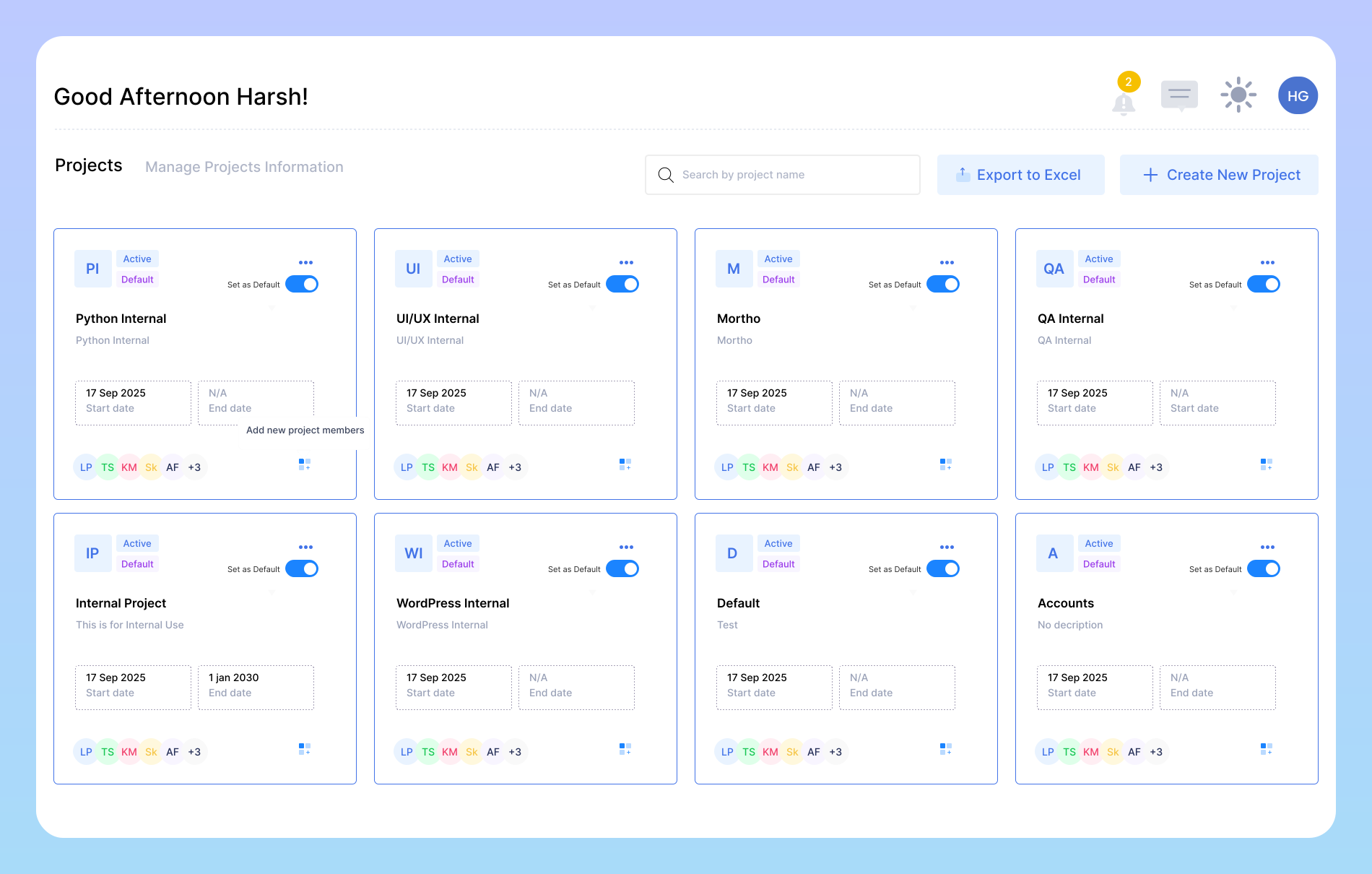
Manage Up to 200 Projects
The Enterprise Plan enables large teams to handle up to 200 active projects simultaneously, offering complete oversight of every workflow. Track time, tasks, and progress, assign members, and monitor budgets in real time to maintain efficiency and transparency across all operations. This feature is ideal for teams looking to maintain consistency while showcasing their brand through tailored design elements.
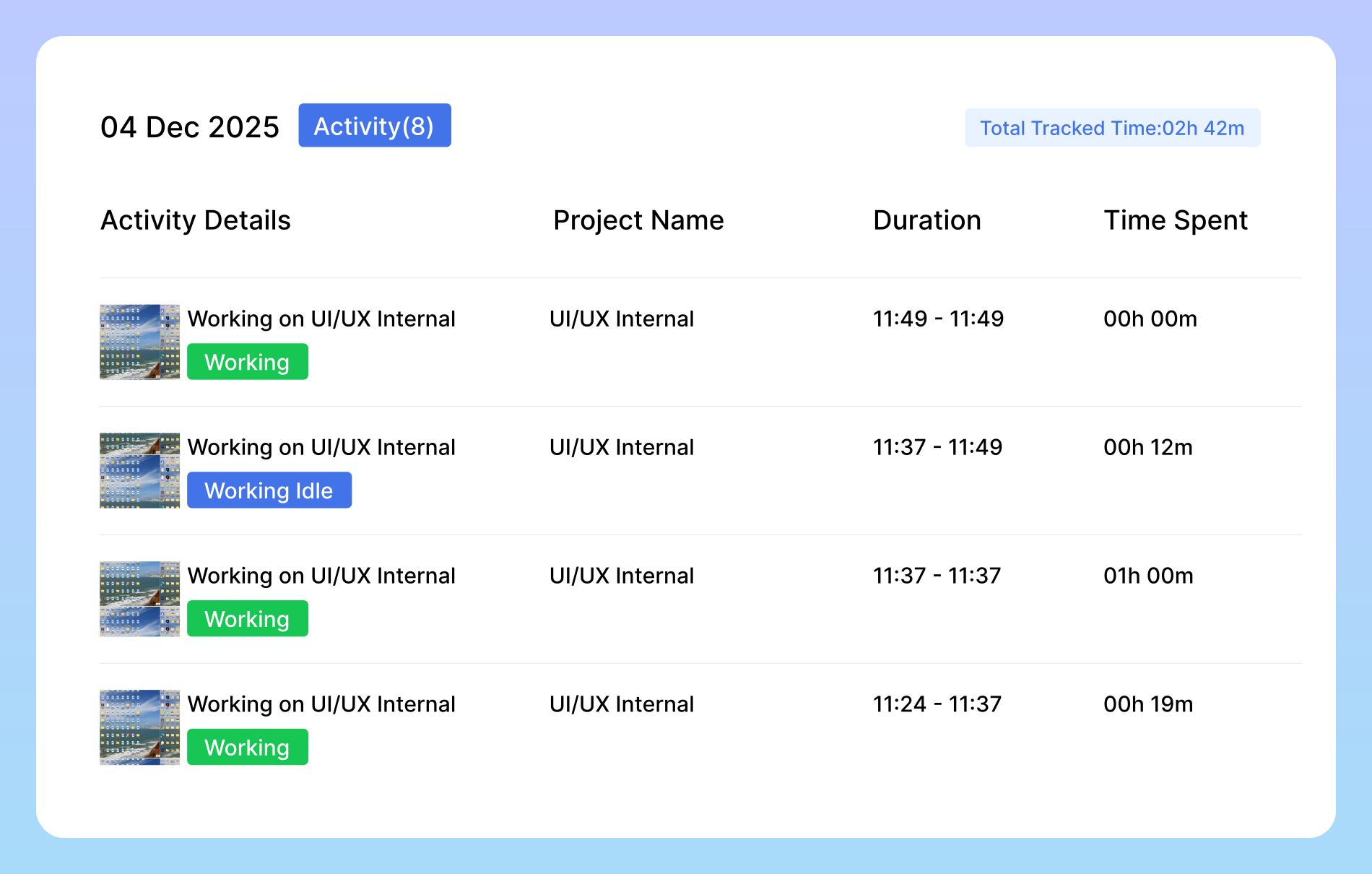
Document Expiry Time
This setting determines the number of days after which screenshots or documents automatically expire and are marked as inactive. By default, the expiry period is set to 180 days, ensuring efficient data management and storage optimization. This helps maintain a clean and organized system, preventing unnecessary accumulation of outdated files.
Simplified Work Management
Shift from disorganization to structure, clarity, and control.

Tackles Unclear Insights
Turns scattered data into clear, actionable visibility with AI reports and smart tracking.

Data Inconsistencies
Ensures consistent, accurate insights through centralized and automated data tracking.

App & URL Tracking
Identifies time spent on each tool or website, helping managers highlight productive vs. distracting usage.
Frequently Asked Questions
How does Smart Idle Detection ensure data accuracy?
Smart Idle Detection automatically detects periods of inactivity like when a user steps away from the desk or stops interacting with their device and removes that time from tracked hours. This guarantees precision in reporting, so your analytics reflect true work effort, not inflated totals. It also minimizes manual edits, reducing administrative overhead and ensuring every productivity report is reliable, audit ready, and compliant with company standards.
Can we monitor which apps and websites employees are using during work hours?
Yes. With App & URL Tracking, enterprises gain a clear, real-time view of which tools, platforms, and websites employees use while on the clock. This data helps you identify productive versus distracting activities, understand software adoption, and optimize license usage. Managers can see which tools deliver the most value and which may hinder focus helping organizations drive smarter digital transformation decisions backed by behavioral insights.
How many users can we add under the Enterprise plan?
The Enterprise plan supports up to 100 active users, making it ideal for mid-to-large teams that need centralized management and real-time collaboration. Each user can be assigned custom roles, permissions, and reporting visibility, ensuring your organization stays structured and secure as it scales.
How many projects can we manage simultaneously?
Ready to streamline your entire workflow?
Vineforce Teams makes it simple to monitor employee productivity with automated time tracking, smart idle detection, and detailed reporting. Build the perfect system to manage projects, ensure accountability, and get insights into your team’s workflow, all in one place.
