

See in real time how much time your team spends on each project. Tasks are automatically tracked, and screenshots are captured at intervals to give a clear, visual overview of work. This ensures accountability, improves productivity, and provides full visibility across all projects. Track how much time your team spends on each project in real time. Get automatic screenshots for complete visibility and accountability. Analyze project performance and identify where productivity can improve.
Project Based Tracking
Vineforce Teams’ Project-Based Tracking keeps all your projects and tasks organized in one place. Track progress accurately, compare actual time with estimates, and calculate expenses precisely, ensuring your team stays on schedule.
Start Your Free Trial
Enjoy a 07-day free trial with no credit card required.
By creating an account, you accept our Terms and Privacy Policy.







Why Project Tracking Matters
Vineforce Teams makes project tracking simple and efficient. Easily create projects, assign tasks to team members, and set start and end dates.
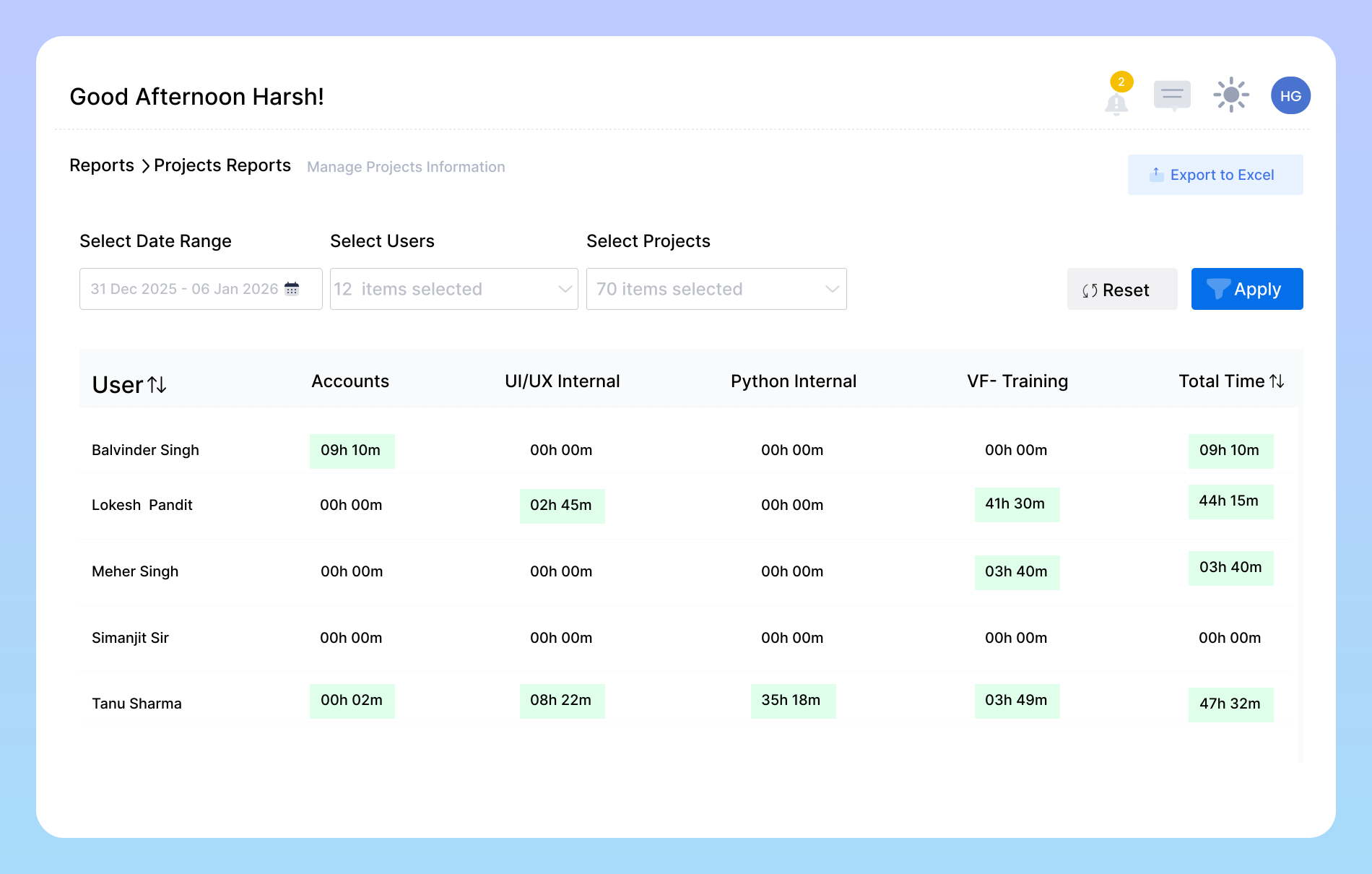
Keep Every Project on Track
How Project Tracking Works
Project Tracking is a powerful addition to your workflow, giving you greater control, clearer visibility, and smarter insights to help your team work more efficiently and deliver better results.
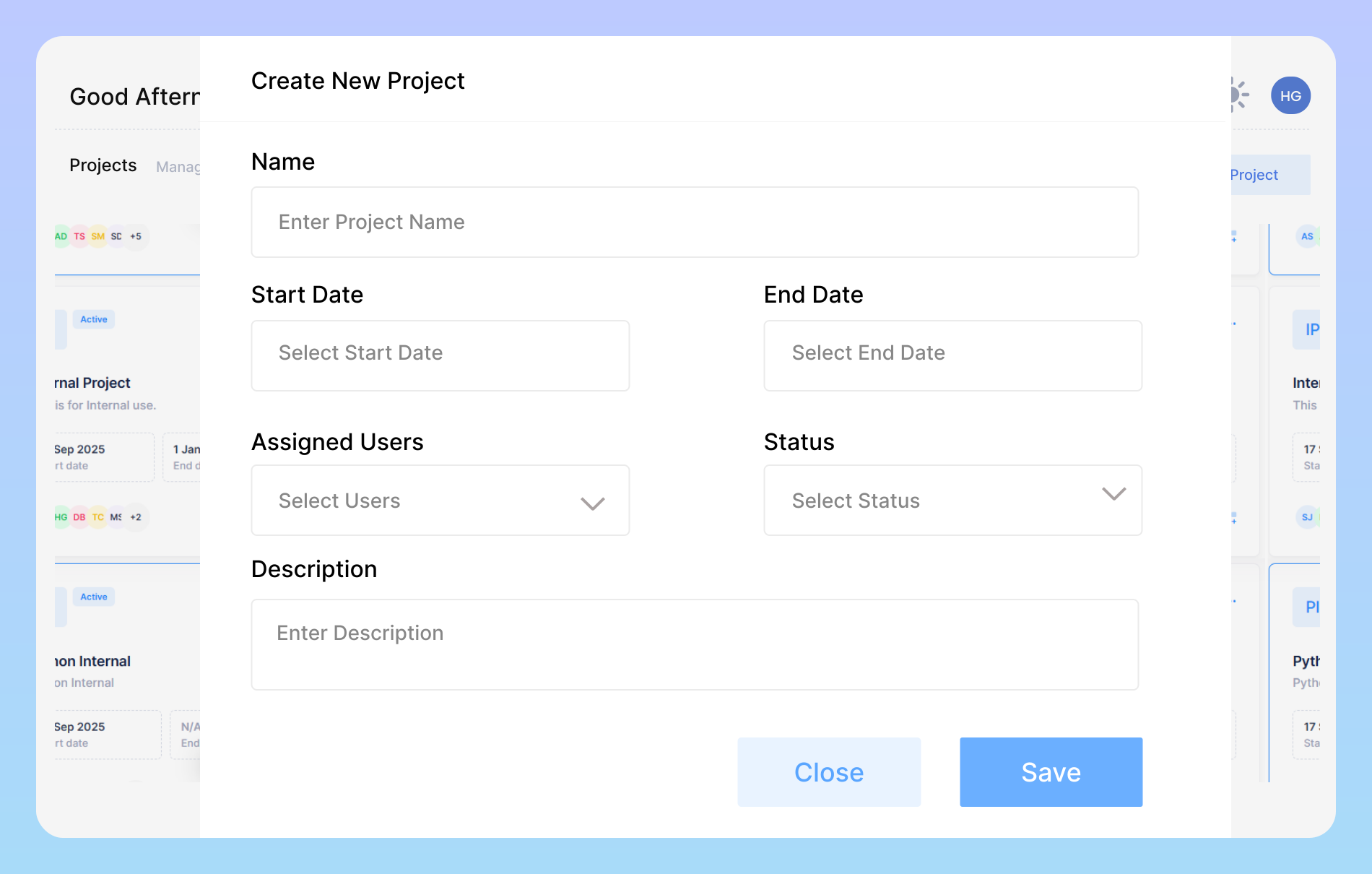
Create and Manage New Projects
Easily create new projects within Vineforce Teams and customize them as per your team’s needs. Add project details like start date, end date, hourly rates, and project descriptions to keep everything structured and transparent. You can also assign team members to each project, ensuring everyone knows their roles and responsibilities from day one.
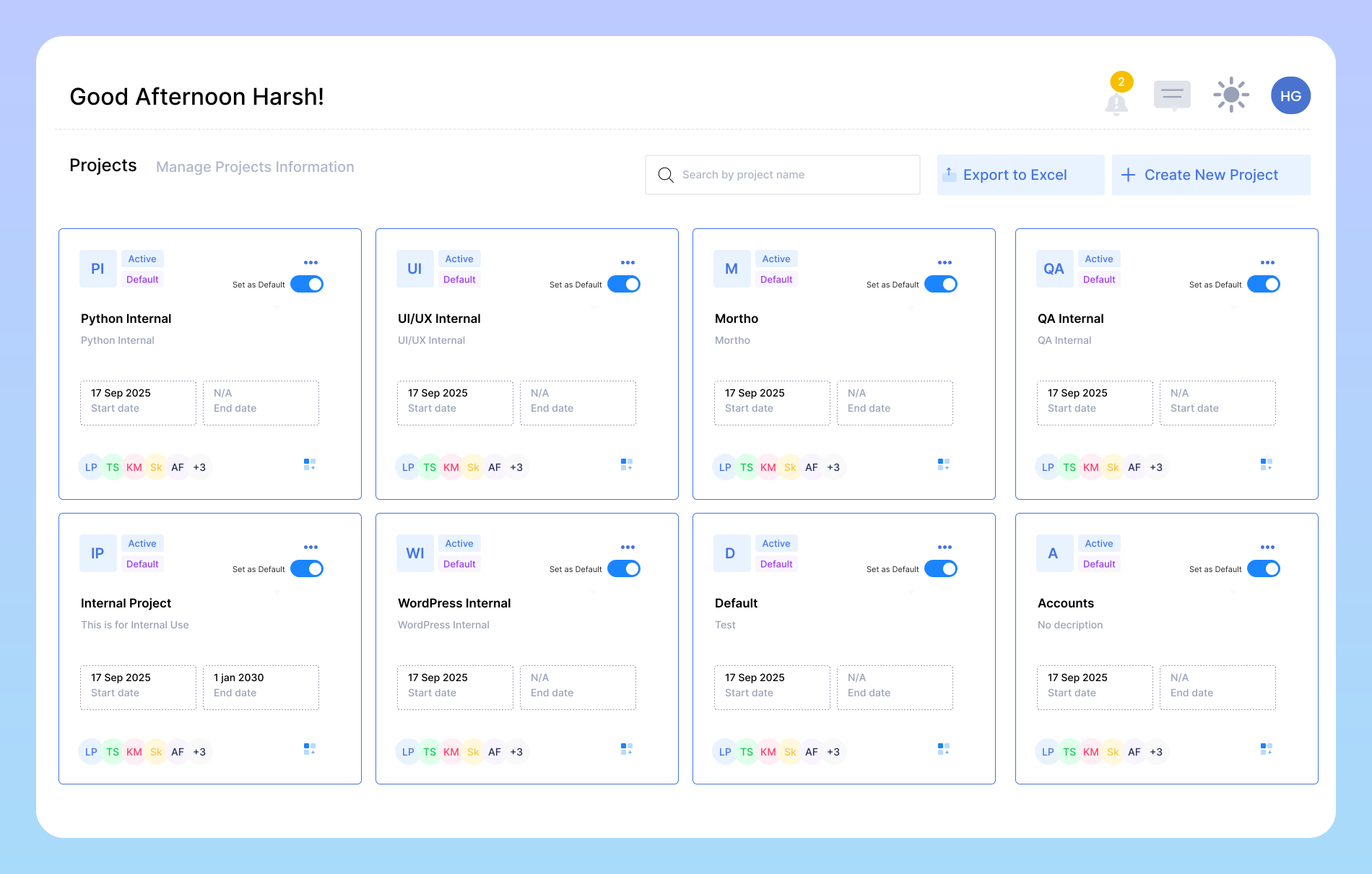
Start Tracking Project Time
Once your project is created, simply find it in the Projects section and press “Start” to begin tracking. Vineforce Teams automatically records every minute you or your team spend on that project, eliminating the need for manual time entries. The system provides a complete overview of time distribution, helping you evaluate productivity
Seamless Integration with Azure DevOps & ClickUp
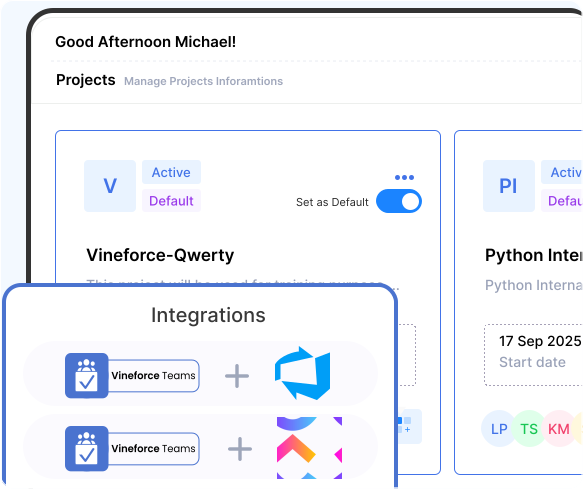
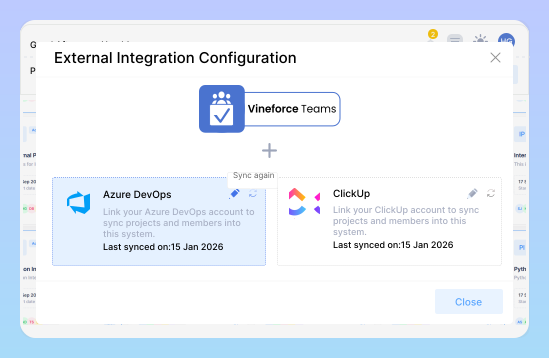
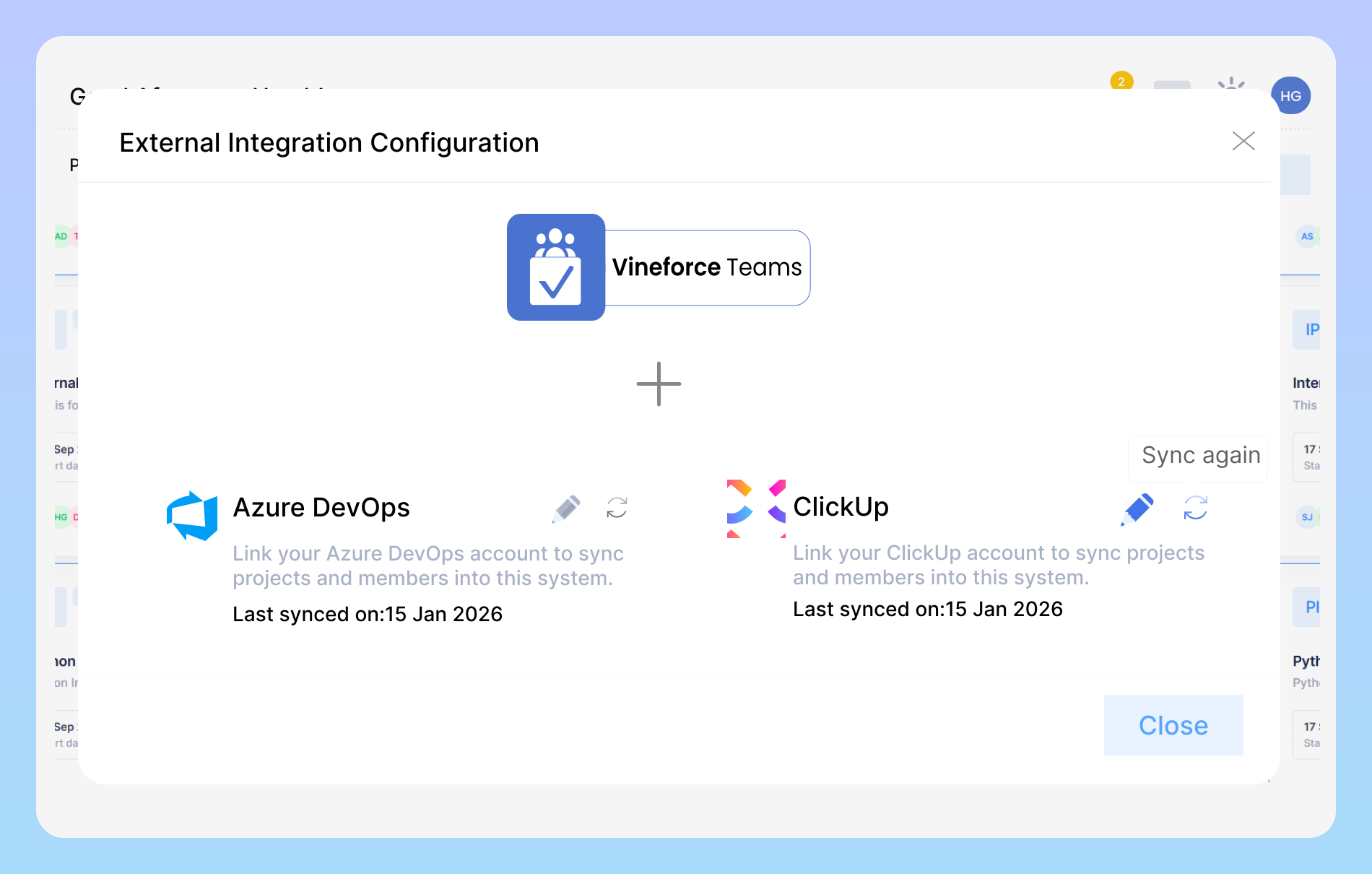
Vineforce Teams integrates smoothly with ClickUp and Azure DevOps, allowing you to import projects, manage tasks, track time, and monitor team productivity all from one unified platform.
Powerful Integration with Azure DevOps
Vineforce Teams seamlessly integrates with Azure DevOps, allowing you to import your development projects directly into the Vineforce Teams Tracker dashboard. Once connected, your Azure DevOps projects, work items, and tasks are clearly displayed in one centralized view for better visibility and control.
Powerful Integration with ClickUp
Vineforce Teams connects smoothly with ClickUp, enabling you to import your projects and tasks directly into the Vineforce Teams Tracker dashboard. All imported ClickUp data is organized and displayed clearly, helping you manage daily work and monitor project progress without switching between multiple tools.
See the Benefits of Project Tracking
Project tracking helps you effortlessly monitor your team’s work and understand how projects move forward in real time.

Accurate Work Insights
Track project progress in real time, monitor task-level time, and see individual contributions. Identify bottlenecks early, balance workloads, and keep projects on schedule with clear, actionable insights.

Project Management
Plan future tasks confidently using accurate time data from past projects. Allocate resources better, set realistic deadlines, and keep teams balanced and efficient.

Precise Client Billing
Transform the way you bill clients by using exact project tracking data. Every second spent on a task is accounted for, allowing you to generate precise, transparent invoices.
Frequently Asked Questions
Can I track time for specific tasks within a project?
Users will want to know if they can get granular data. This question allows you to highlight your ability to track time not just at the project level, but also for individual tasks, giving a more detailed view of the workflow.
What kind of reports can I generate for my projects?
This lets you showcase the power of your reporting features. You can mention the types of reports available, such as project summaries, employee timesheets per project, budget vs. actual hours, and whether they can be exported (e.g. CSV).
Is there a limit to the number of projects or tasks I can track?
This addresses concerns about scalability. It’s a great opportunity to assure larger teams or businesses with many clients that your platform can handle their workload without restrictions.
How does Vineforce Teams track projects?
It records time spent on tasks, captures detailed logs, and uses smart screenshot monitoring to ensure transparency.
Is the data collected secure, and who has access to it?
Ready to streamline your entire workflow?
Vineforce Teams makes it simple to monitor employee productivity with automated time tracking, smart idle detection, and detailed reporting. Build the perfect system to manage projects, ensure accountability, and get insights into your team’s workflow, all in one place.
