

Screenshots are captured automatically at specific intervals. It doesn’t throw notifications or disrupt the normal workflow for employees. Employees can work focused, without having to worry about the progress tracking .The screenshots are captured at intervals, making it easy to track the work process .
Screenshot Monitoring
Vineforce Teams automatically tracks your work hours and silently captures screenshots in the background. You don’t have to worry about starting or stopping the timer everything happens automatically while you work.
Start Your Free Trial
Enjoy a 07-day free trial with no credit card required.
By creating an account, you accept our Terms and Privacy Policy.







Verify Work with Screenshot
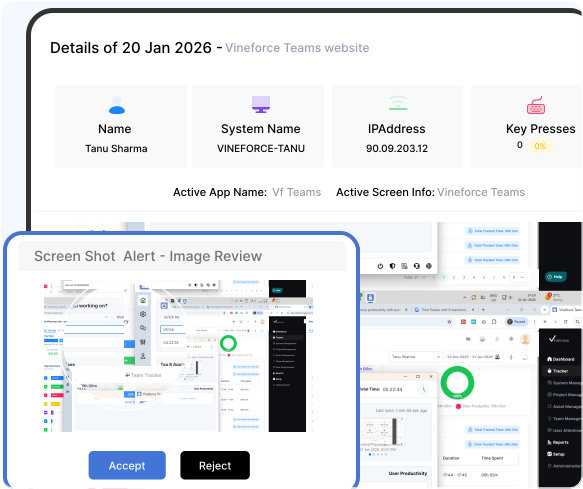
Automatic screenshots give a clear picture of the work hours, helping managers measure the team’s productivity. With Vineforce, a time tracking software with screenshots, helps measure efficiency with a detailed record.
Screenshot Monitoring at Work
How Screenshot Monitoring work?
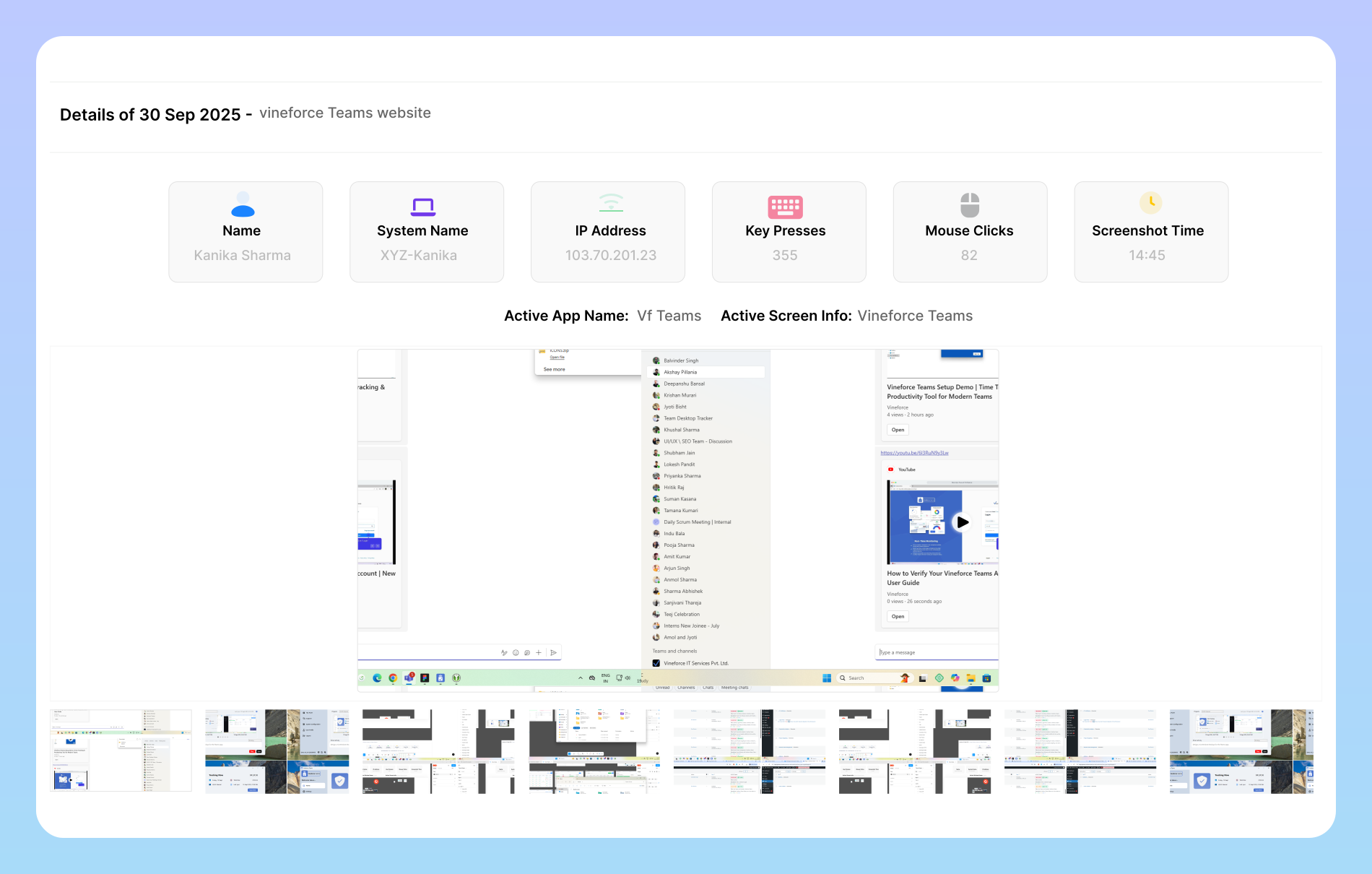
Our screenshot monitoring offers comprehensive insight into workflow and the team’s performance through automated capture.
Change Your Activity to Improve Performance
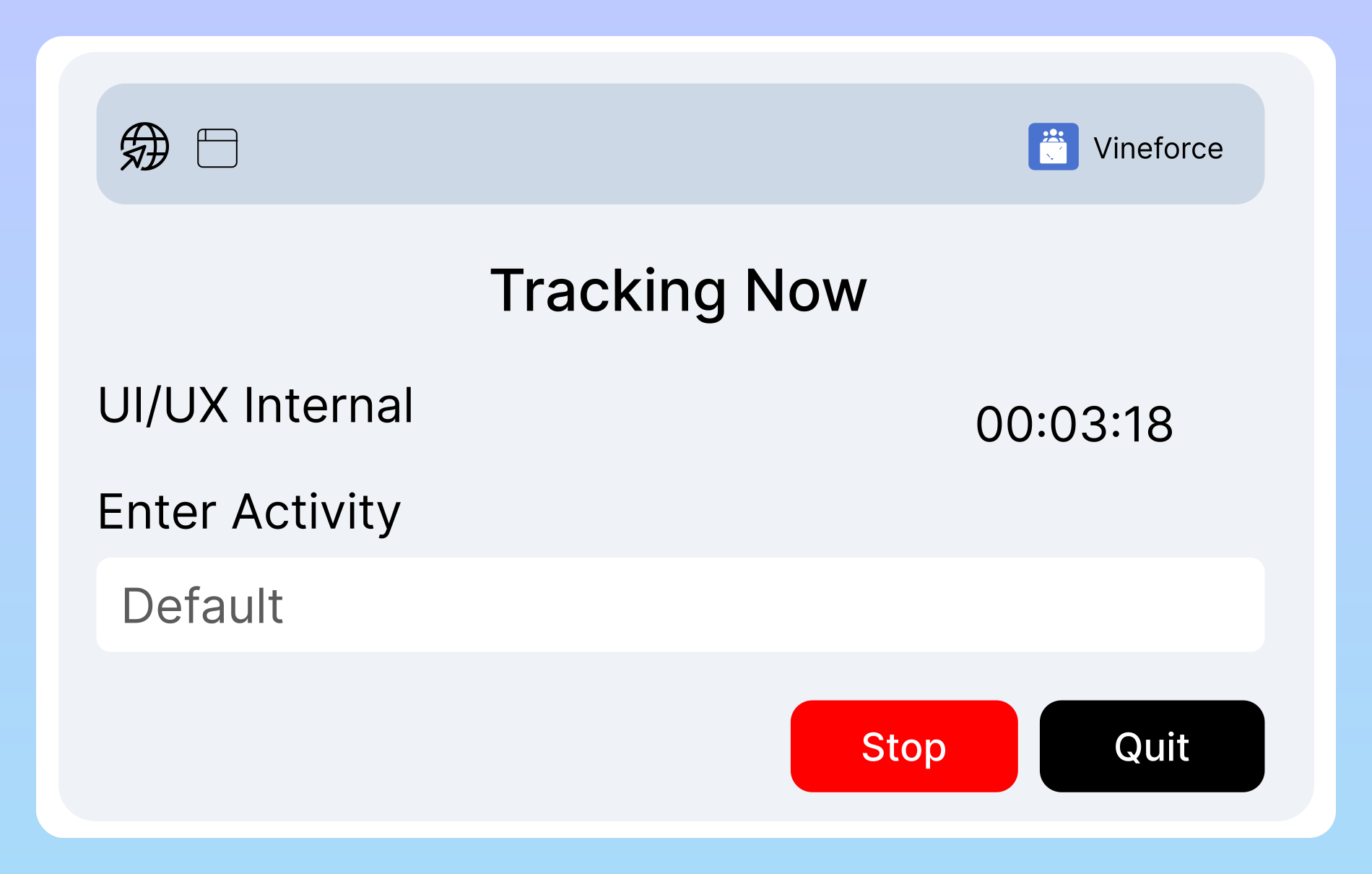
Tasks evolve from simple to complex when automated monitoring software by Vineforce Teams makes recording activities simpler than before. All screenshots are recorded as per time, ensuring accuracy without manual errors. This approach helps keep a detailed track of every work session.
Customize Your Screenshot Timing
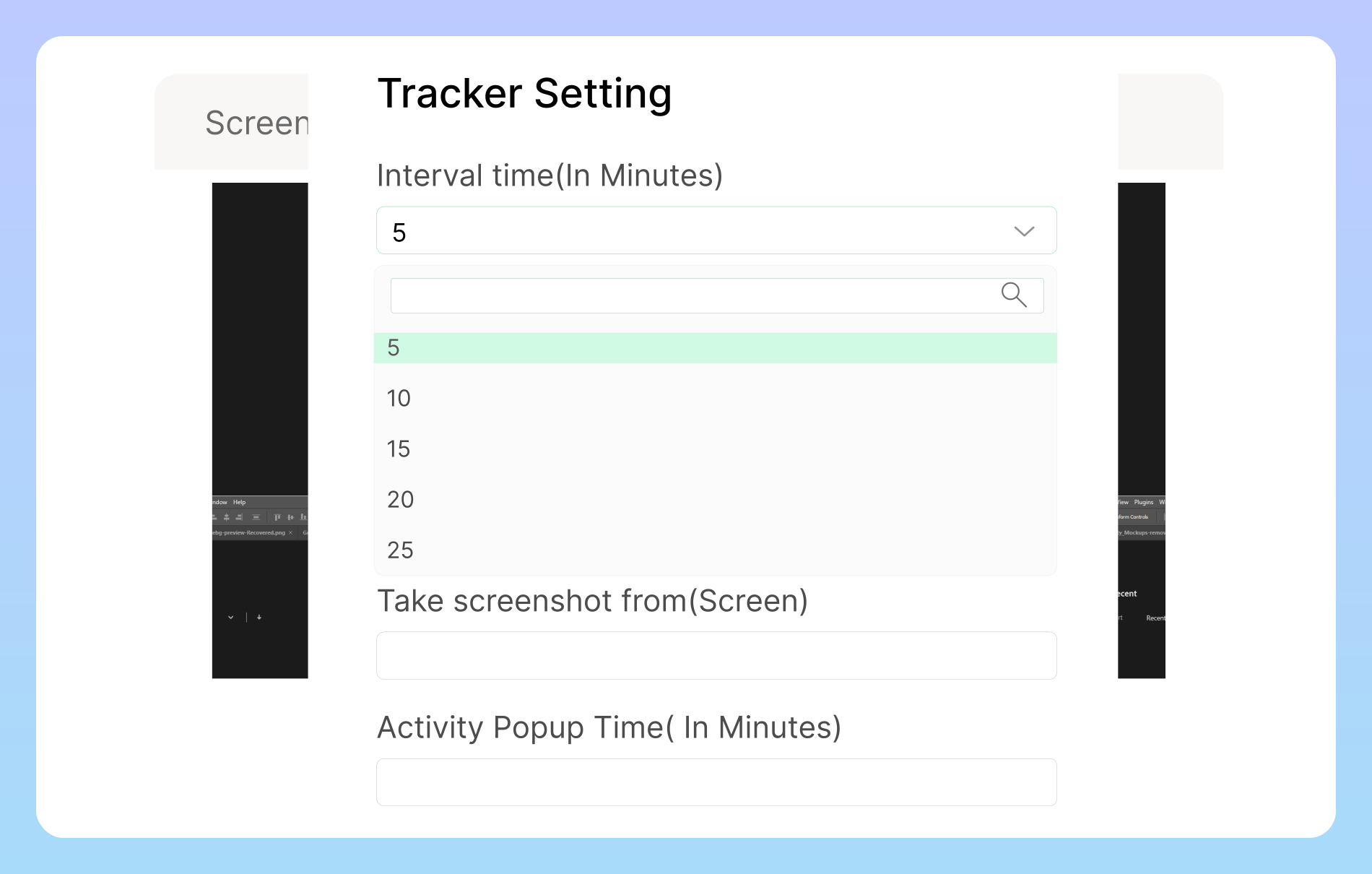
Automatically capture screenshots at random intervals of 5, 10, 15, 15, or 30 minutes to provide accurate and unbiased visibility into daily work activity. Randomized captures ensure authentic representation of real work patterns without disrupting employees’ focus.
Track Idle Time Automatically
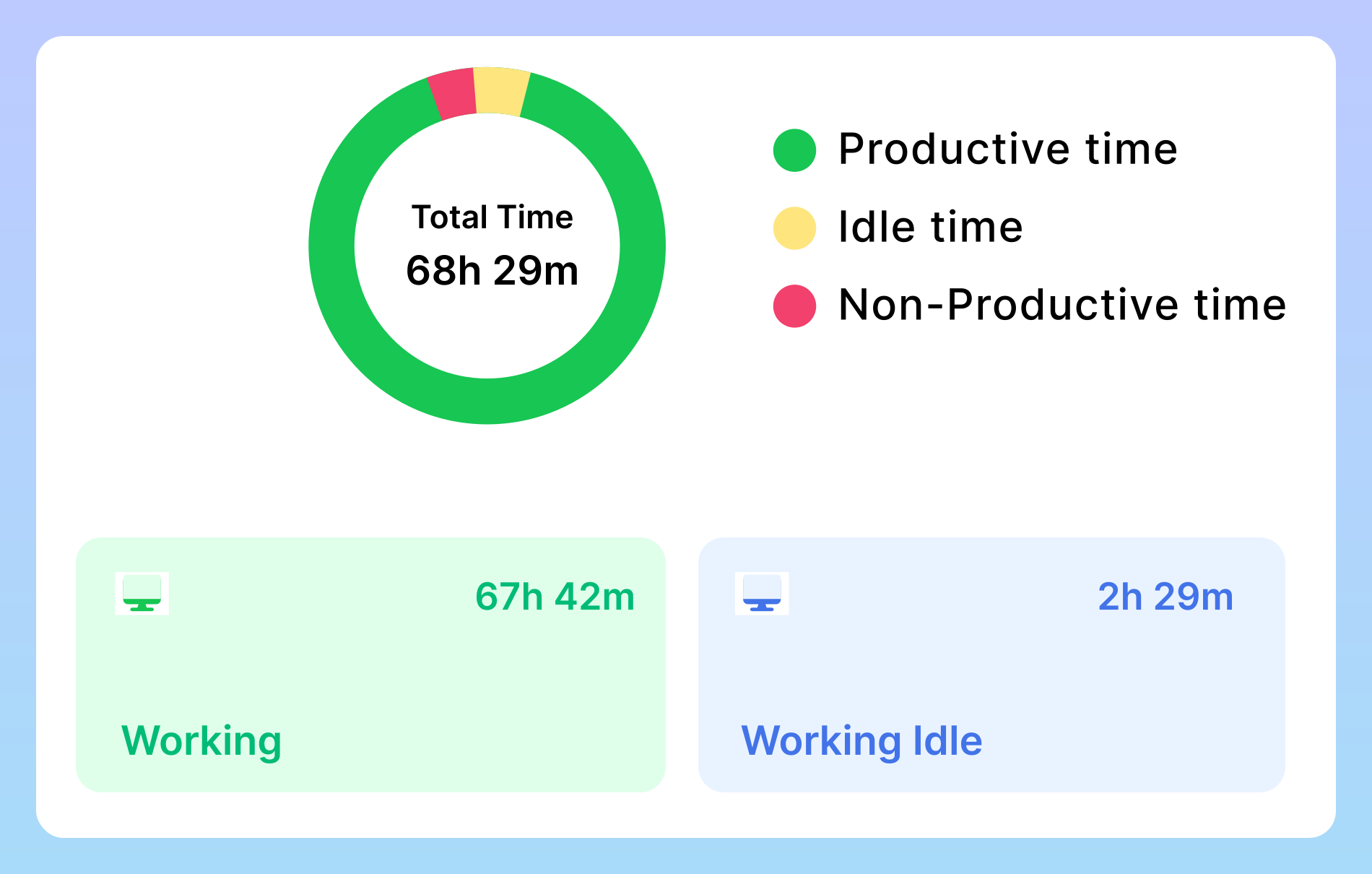
Vineforce can effectively track idle spans as the trackers stop after 5 minutes of inactivity. It only records the productive work span, ensuring it can give accurate time tracking details with a fair evaluation of the work hours.
Benefits of Screenshot Monitoring
Our screenshot monitoring verifies every task with proof. Here’s how: Vineforce Teams captures screenshots automatically, ensuring transparent work verification and keeping projects reliable and accountable.

Store Work Proof
The screenshots and recorded data are saved on Microsoft Azure. Employees can be assured safe and secure activity tracing and safe data storage.

Control Your Team
Vineforce can actively record work and idle hours of employees, capturing the time logs precisely, with its smart screenshot monitoring solutions.

Reduce Distractions
With automatic screenshots and activity monitoring, it helps managers reduce distractions, understand work patterns, and ensure timely task completion.
Frequently Asked Questions
Where are the screenshots stored and are they secure?
Screenshots are securely saved and synced with your dashboard. We use encryption and strict privacy measures to ensure all captured data is protected.
How does screenshot monitoring help managers and teams?
Screenshot monitoring provides real proof of work by automatically capturing snapshots during active tasks. This helps managers verify progress, ensures accountability for team members, and builds trust with clients.
What happens if the internet connection is unstable while capturing screenshots?
Just like time tracking, screenshots are securely stored locally on the user’s computer. As soon as the internet connection is restored, all data is automatically synced to the dashboard.
How fast does the syncing process happen?
The moment your internet connection is restored, the system begins syncing immediately and automatically. All the time tracking data, activity logs, and screenshots that were stored locally on your computer are uploaded without any delay.
Is the data collected secure, and who has access to it?
Ready to streamline your entire workflow?
Vineforce Teams makes it simple to monitor employee productivity with automated time tracking, smart idle detection, and detailed reporting. Build the perfect system to manage projects, ensure accountability, and get insights into your team’s workflow, all in one place.
