

Work doesn’t move forward just because a timer is running. Vineforce Teams is designed to help teams stay focused, aligned, and productive throughout the day. Unlike Hubstaff, which centers mainly on time tracking and activity logs, Vineforce Teams brings time, tasks, projects, and performance insights together in one seamless system. Teams can plan work, track progress, and complete projects without switching tools while leaders get a clear, meaningful view of how work is actually progressing.
Better than Hubstaff
Hubstaff tracks time. Vineforce Teams tracks progress. It combines time tracking, task and project management, and performance analytics in one place so you get real productivity insights, not just hours and activity data. Vineforce Teams helps teams work smarter without intrusive monitoring.
Start Your Free Trial
Enjoy a 07-day free trial with no credit card required.
By creating an account, you accept our Terms and Privacy Policy.







The All-in-One Advantage
Why rely on a tool that only counts hours when you can use one that drives real results.
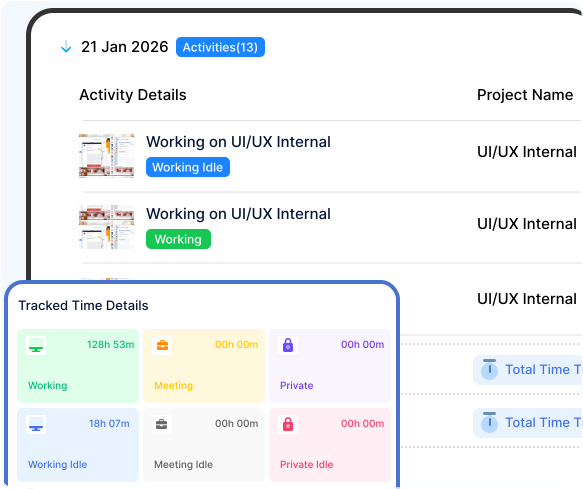
Built to Support Work, Not Just Track It
The Traditional Way
Many tracking platforms still rely on measuring presence rather than progress. They capture time and activity, but often fail to explain how that time contributes to real outcomes.
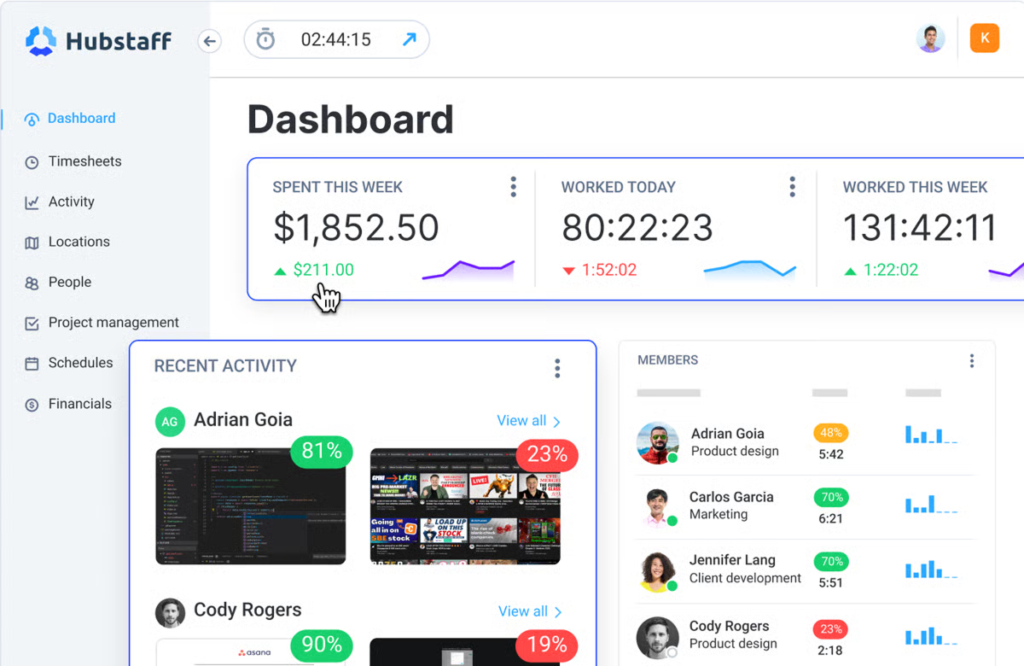
Tracking Hours Without Understanding Results
Tools like Hubstaff are built primarily to monitor time, screenshots, and app usage. While this may show how long someone worked, it offers limited visibility into what was actually achieved. Without built-in task and project workflows, managers are left interpreting productivity from hours alone. This creates a monitoring-first experience that generates data but provides little guidance, clarity, or support for completing work efficiently.
What's the Main Difference?
See how Vineforce Teams stacks up against generic tracking alternatives.

Vineforce Teams is a comprehensive workforce productivity platform built to deliver deep visibility, control, and actionable insights.
- Advanced time tracking with real-time activity monitoring.
- Detailed app & website usage tracking with productivity insights.
- Automated screenshots, system activity logs, and monitoring controls.
- Customizable dashboards and detailed productivity reports.
- Cloud and self-hosted deployment options for full data ownership
- Designed to improve productivity—not just track hours

Hubstaff focuses mainly on logging work hours and basic activity data. While useful for timesheets and payroll, it offers limited insight into real productivity.
- Core focus on time tracking and employee monitoring.
- Tracks app usage, websites visited, and basic activity levels.
- Screenshot capture and standard productivity metrics
- Limited customization and reporting flexibility
- Strong emphasis on timesheets, payroll, and attendance tracking
What Makes Vineforce Teams Better
Vineforce Teams shows real work patterns, user attentiveness, and application usage so you can make smarter decisions based on actual productivity.

Automatic Screenshots
Vineforce Teams takes secure, automated screenshots at defined intervals, giving managers clear visibility into ongoing work without manual supervision.

User Attentiveness Tracking
Vineforce Teams analyzes user activity patterns to determine attentiveness levels, helping identify idle time, disengagement, and true productivity

Application & URL
Vineforce Teams helps managers proactively identify distractions and policy violations, ensuring teams stay focused on productive work.
Frequently Asked Questions
How is Vineforce Teams different from Hubstaff?
Vineforce Teams goes beyond basic time tracking. It combines time tracking, task management, project visibility, and performance insights in one platform, while Hubstaff mainly focuses on tracking hours and activity.
Does Vineforce Teams track productivity or just time?
Vineforce Teams focuses on real productivity. It helps teams understand progress, task completion, and project outcomes not just how long someone stayed active.
How should I introduce this feature to my team to ensure they understand its purpose?
We strongly recommend transparency. Explain to your team that you are implementing this tool to ensure workloads are balanced and to find ways to improve team-wide efficiency. Emphasize what the tool does not do (like screen recording). Frame it as a way to support them by identifying obstacles, rather than a tool to scrutinize their work habits.
Who should choose Vineforce Teams over Hubstaff?
Teams that want clarity, better collaboration, and real productivity insights not just time logs will benefit more from Vineforce Teams.
Ready to streamline your entire workflow?
Vineforce Teams makes it simple to monitor employee productivity with automated time tracking, smart idle detection, and detailed reporting. Build the perfect system to manage projects, ensure accountability, and get insights into your team’s workflow, all in one place.
